
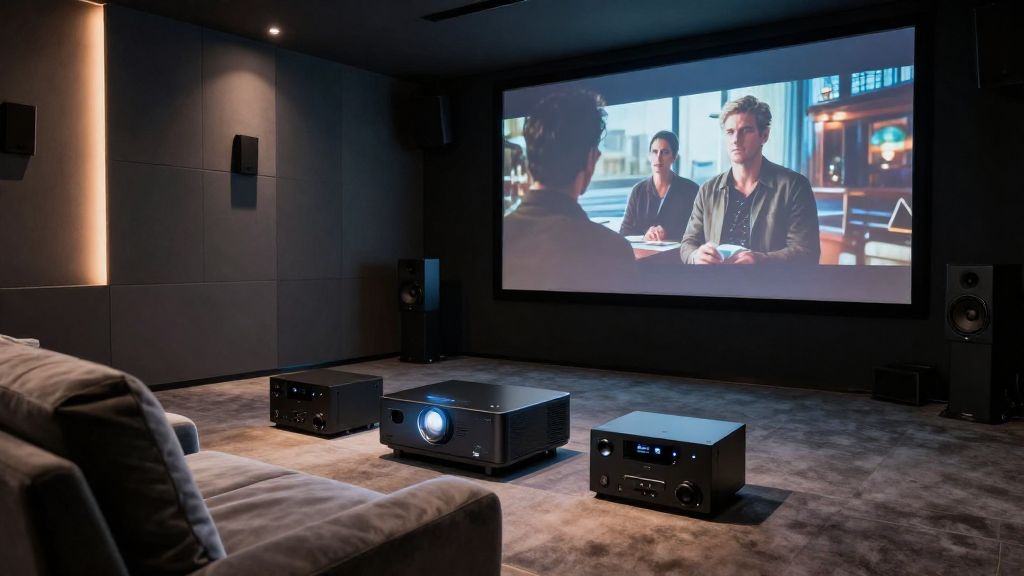
In this article, we will explore the various factors that contribute to audio delay in home theater systems and how to effectively troubleshoot these issues.
What is Audio Delay?
Audio delay refers to the lag between the video and audio signals in a home theater system. This delay can lead to a disjointed viewing experience, making it difficult to synchronize sound with the visual elements on the screen. Understanding the causes of audio delay is essential for achieving optimal audio-visual performance.
Definition of Audio Delay
Audio delay is the period in which sound is held back compared to the video. This can be measured in milliseconds and can significantly affect the overall experience of watching movies or playing video games. It is crucial for home theater enthusiasts to recognize this delay to enhance their viewing pleasure.
Types of Audio Delay
- Digital Delay: Occurs when the audio is processed through various digital components.
- Analog Delay: Generally less common, this happens in older systems where sound processing is done through analog means.
- Network Delay: Common in streaming devices where audio and video are transmitted over the Internet.
What Causes Audio Delay in Home Theater Systems?
Understanding the underlying factors that contribute to audio delay is key to resolving issues in your home theater system. Various components can introduce delays that disrupt the synchronization of audio and video.
Signal Processing
Signal processing is often a primary culprit behind audio delay. When audio signals go through multiple processors or effects, such as surround sound decoding, they can experience significant lag. This is especially true in systems that apply various sound enhancements or equalization.
Device Compatibility
Compatibility issues between devices can also lead to audio delays. For example, using a newer soundbar with an older television can create synchronization problems. Ensuring that all components of your home theater system are compatible can help mitigate this issue.
Video Format and Resolution
The format and resolution of the video can impact audio delay. Higher resolutions often require more processing power, which can lead to increased lag. For instance, 4K content may not sync perfectly with audio if the system is not optimized for higher resolutions.
How Can You Troubleshoot Audio Delay?
Troubleshooting audio delay in your home theater system can often be accomplished with a few straightforward steps. Understanding how to identify and fix the issue can greatly improve your viewing experience.
Adjusting Audio Settings
Most modern home theater systems come with audio settings that allow users to adjust the sync between sound and video. Look for features like ‘lip-sync’ adjustments, which can help align audio output with the video signal. Experimenting with these settings can often yield quick results.
Updating Firmware
Keeping your devices updated is essential for optimal performance. Manufacturers regularly release firmware updates that can fix bugs and improve compatibility. Check the manufacturer’s website or your device’s settings to ensure you have the latest updates installed.
Using a Dedicated Audio/Video Receiver
Investing in a dedicated audio/video receiver can significantly reduce audio delay. These receivers are designed to handle signal processing more effectively than typical soundbars or television audio systems. They offer advanced settings to minimize any lag between audio and video.
Can Audio Delay Be Prevented?
While it may not be possible to completely eliminate audio delay, there are several strategies that can help minimize it. Being proactive with your home theater setup can enhance your overall experience.
Choosing the Right Equipment
When building your home theater, selecting compatible equipment is crucial. Ensure that all your devices support the same audio and video formats. This includes checking for HDMI version compatibility, which can significantly impact performance.
Optimizing Your Network
If you are using streaming services, optimizing your network can help reduce audio delay. A wired connection is generally more stable than wireless, leading to fewer disruptions. Additionally, ensure that your internet speed is sufficient for streaming high-definition content.
Regular Maintenance
Regular maintenance of your home theater system can prevent many common issues, including audio delay. This includes cleaning connections, checking cables, and ensuring that all components are functioning correctly. Regular check-ups can help keep your system in top shape.
What Are the Benefits of Fixing Audio Delay?
Addressing audio delay in your home theater system can vastly improve your viewing experience. Fixing this issue can lead to several benefits that enhance your overall enjoyment.
Improved Viewing Experience
When audio and video are synchronized, it leads to a more immersive experience. Whether you’re watching movies, playing video games, or listening to music, having perfectly aligned audio and video is crucial for enjoyment.
Enhanced Engagement
Fixing audio delay can increase your engagement with the content. When sound matches the action on the screen, you are more likely to become absorbed in the story, leading to a better overall experience.
Better Sound Quality
By troubleshooting and optimizing your home theater system, you can often enhance the overall sound quality. This can lead to a richer audio experience, making dialogues clearer and sound effects more impactful.
Conclusion
In conclusion, understanding the causes of audio delay in home theater systems is essential for any enthusiast. By being aware of the factors that contribute to this delay and implementing effective troubleshooting strategies, you can significantly enhance your viewing experience. Regular maintenance and updates can help keep your audio and video in perfect harmony, allowing you to fully enjoy your home theater setup.