
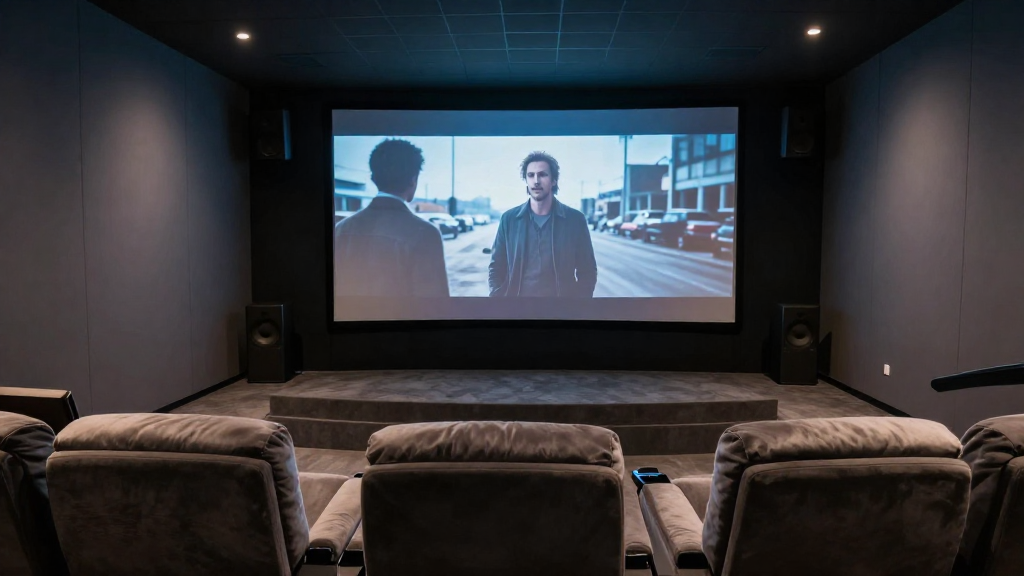
In this article, we will delve into the concept of home theater surround sound explained, providing insights into its components, benefits, and setup.
What is Surround Sound?
Surround sound refers to a system that uses multiple audio channels to create an immersive listening experience. This technology aims to replicate how we perceive sound in real life, making it a vital element in home theater systems.
Understanding the Basics
At its core, surround sound works by distributing audio signals across multiple speakers. The most common configuration is the 5.1 surround sound system, which includes five speakers and one subwoofer. Each speaker is strategically placed around the viewer to provide a three-dimensional sound experience.
The Role of Speakers
In a surround sound setup, each speaker has a specific role. The front speakers handle dialogue and primary audio, while rear speakers create ambient sounds. The subwoofer provides deep bass, enhancing the overall audio quality.
Different Formats of Surround Sound
Various formats like Dolby Digital, DTS, and Dolby Atmos have emerged, each offering unique features. Dolby Atmos, for example, adds height channels to create a more immersive experience. Understanding these formats is crucial for selecting the right system.
Why is Surround Sound Important in Home Theaters?
Surround sound significantly enhances the overall viewing experience in home theaters. By creating a more realistic sound environment, it allows viewers to feel truly immersed in the content.
Immersive Experience
With surround sound, you can hear sounds coming from different directions, mimicking real-life audio. This immersive experience makes movie-watching more engaging and enjoyable, transforming a simple film into an unforgettable event.
Enhanced Audio Quality
Surround sound systems often provide superior audio quality compared to standard stereo systems. The ability to distribute sound across multiple channels allows for clearer dialogue and richer soundscapes.
Adaptability to Various Content
Whether you’re watching movies, playing video games, or listening to music, a surround sound system adapts to different audio formats. This versatility makes it an essential component of any home theater setup.
How to Set Up Surround Sound in Your Home Theater?
Setting up a surround sound system may seem daunting, but with proper planning, it can be straightforward. Here are some steps to guide you through the process.
Choosing the Right Equipment
Selecting the right receiver and speakers is crucial for a successful setup. Ensure that your receiver supports the surround sound formats you wish to use. Research brands and models that are well-reviewed for their audio quality.
Speaker Placement
Proper speaker placement is vital for optimal sound quality. Front speakers should be positioned at ear level, while rear speakers should be placed slightly above ear level and angled towards the listener. The subwoofer can be placed anywhere in the room, but corner placement often enhances bass response.
Calibration of Sound Settings
Most surround sound receivers come with calibration tools that help optimize sound settings. Use these tools to adjust speaker levels, distance, and frequency response for a balanced audio experience.
What are the Best Surround Sound Systems Available?
Choosing the right surround sound system can greatly influence your home theater experience. Here are some top options that are currently popular.
Dolby Atmos Systems
Dolby Atmos systems are widely praised for their ability to create a three-dimensional sound field. They include overhead sound channels, providing an unparalleled immersive experience. Brands like Sonos and Bose offer excellent Dolby Atmos options.
Wireless Surround Sound Systems
For those who prefer a cleaner look without messy wires, wireless surround sound systems are a great choice. Systems from brands like Samsung and LG offer impressive audio performance without the hassle of cables.
Soundbars with Surround Sound Capabilities
Soundbars are an increasingly popular choice for home theaters. Many modern soundbars come with built-in surround sound technology, making them a space-saving solution without sacrificing sound quality. Brands like Yamaha and Vizio have soundbars that effectively simulate surround sound.
What Challenges Might You Face with Surround Sound?
While setting up a surround sound system can be rewarding, there are some challenges you may encounter. It’s essential to be aware of these potential issues.
Room Acoustics
The acoustics of your room can significantly impact sound quality. Hard surfaces may cause sound reflections, while soft furnishings can absorb sound. You may need to experiment with speaker placement and room layout to achieve optimal performance.
Compatibility Issues
Not all devices are compatible with every surround sound format. Ensure that your TV, receiver, and speakers can work together seamlessly. Check specifications and consult manuals to avoid compatibility issues.
Budget Constraints
High-quality surround sound systems can be expensive. It’s crucial to set a budget beforehand and explore options that fit within that range. Consider refurbished or entry-level systems to start your surround sound journey without overspending.
How Can You Maintain Your Surround Sound System?
Once you’ve set up your surround sound system, maintaining it is vital for longevity and performance. Here are some maintenance tips.
Regular Cleaning
Dust and debris can affect sound quality over time. Regularly clean your speakers and receiver to ensure optimal performance. Use a soft, dry cloth and avoid harsh cleaning products.
Software Updates
Many surround sound receivers have firmware that requires periodic updates. Keeping your software up-to-date ensures that you have the latest features and fixes. Check your manufacturer’s website for update instructions.
Check Connections and Cables
Over time, cables can become loose or damaged. Regularly inspect all connections and cables for wear and tear. Replace any damaged cables to maintain sound quality.