
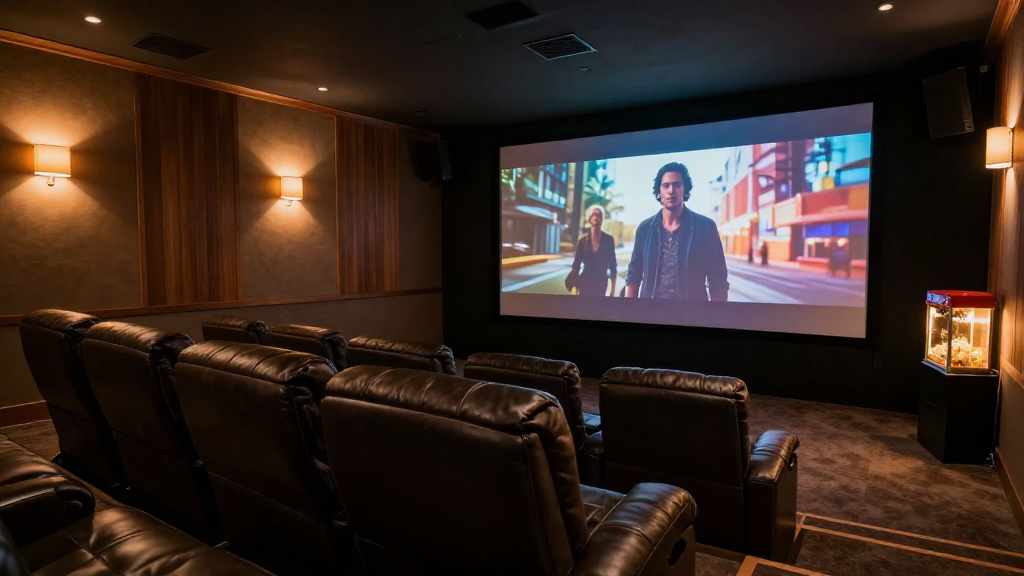
In this article, we will explore the best viewing distance for home theater screens to optimize your movie-watching experience.
What Factors Influence Home Theater Screen Viewing Distance?
Understanding the factors that influence the ideal viewing distance for your home theater screen is essential for an immersive experience.
Screen Size
The size of your screen is one of the most significant factors determining the viewing distance. A larger screen typically requires a greater distance for optimal viewing. For example, a 65-inch screen may be best viewed from about 8 to 10 feet away.
Resolution
Resolution plays a crucial role in how close you can sit without noticing pixelation. Higher resolutions, such as 4K, allow viewers to sit closer to the screen without sacrificing image quality. This means that for a 4K screen, the recommended viewing distance can be shorter than that for a standard HD screen.
Room Size and Layout
The dimensions and layout of your room will also affect your viewing distance. If your room is small, you may need to adjust your screen size or seating arrangement to ensure comfort and visibility. It’s crucial to consider other furniture and fixtures that could obstruct your view.
What Is the Recommended Viewing Distance for Different Screen Sizes?
Knowing the recommended viewing distance based on different screen sizes can help you set up your home theater more effectively.
55-Inch Screen
For a 55-inch screen, the ideal viewing distance is typically between 6.5 to 8.5 feet. This distance allows for a comfortable viewing experience without straining your eyes. If you are using a 4K resolution, you can sit slightly closer, around 5.5 to 7.5 feet.
65-Inch Screen
A 65-inch screen should have a viewing distance of about 8 to 10 feet. Staying within this range ensures that you can fully enjoy the details of your movies or shows. Again, for 4K resolution, you might find that getting as close as 6 to 8 feet is still comfortable.
75-Inch Screen
For larger screens, such as 75 inches, the recommended distance increases to 10 to 12 feet. This distance allows you to take in the entire image without experiencing discomfort. If you’re using a high-resolution source, sitting about 8 to 10 feet away can be perfectly fine.
How to Measure Your Home Theater Screen Viewing Distance?
Measuring the right distance for your home theater screen viewing can seem daunting, but it’s relatively straightforward.
Using a Measuring Tape
The simplest method to measure your viewing distance is by using a measuring tape. Start at the screen and pull the tape to where you plan to sit. This gives you an accurate distance to ensure you’re within the recommended range.
Considering Eye Level
Your eye level should ideally be aligned with the center of the screen for optimal viewing comfort. When measuring distance, consider the height of your seating as well. Adjust the screen height if necessary to achieve this alignment.
Trial and Error
Sometimes, the best way to find your ideal viewing distance is through trial and error. Set up your seating and spend some time watching content from different distances. This allows you to determine what feels most comfortable for you and your family.
What Are Common Mistakes to Avoid with Home Theater Viewing Distance?
Being aware of common mistakes can help you avoid subpar viewing experiences in your home theater.
Sitting Too Close
One of the most common mistakes is sitting too close to the screen, which can lead to eye strain and discomfort. This is especially true for lower resolution screens. Always ensure that you’re within the recommended viewing distance for your specific screen size and resolution.
Ignoring Screen Resolution
Another mistake is not considering the resolution of your screen when determining the viewing distance. Higher resolutions permit closer seating, whereas lower resolutions do not. Be sure to adjust your distance based on whether you’re using a 1080p or 4K screen.
Neglecting Room Layout
Lastly, neglecting the layout of your room can lead to obstructed views or uncomfortable seating arrangements. Always plan your seating layout to allow for a clear and comfortable view of the screen from all angles. This will maximize enjoyment for everyone in the room.
How Can You Optimize Your Home Theater Experience Beyond Viewing Distance?
While viewing distance is crucial, there are other factors to consider for a complete home theater experience.
Screen Calibration
Calibrating your screen can significantly enhance your viewing experience. Proper calibration adjusts brightness, contrast, and color settings, leading to a more vibrant image. Make sure to use professional calibration tools or hire an expert if necessary.
Sound System Setup
A high-quality sound system is just as important as the screen. Investing in a surround sound system can create an immersive atmosphere that complements your visuals. Ensure that your speakers are positioned correctly for optimal sound distribution.
Lighting Control
Controlling the lighting in your home theater is essential for the best viewing experience. Dimming lights or using blackout curtains can reduce glare and enhance picture quality. Consider incorporating smart lighting solutions that can be adjusted based on the content you’re watching.
Conclusion: Finding Your Ideal Home Theater Screen Viewing Distance
In conclusion, determining the best viewing distance for your home theater screen involves several factors such as screen size, resolution, and room layout. By understanding these elements and avoiding common mistakes, you can create an optimal viewing experience. Remember to consider additional factors like sound and lighting to truly elevate your home theater setup.