
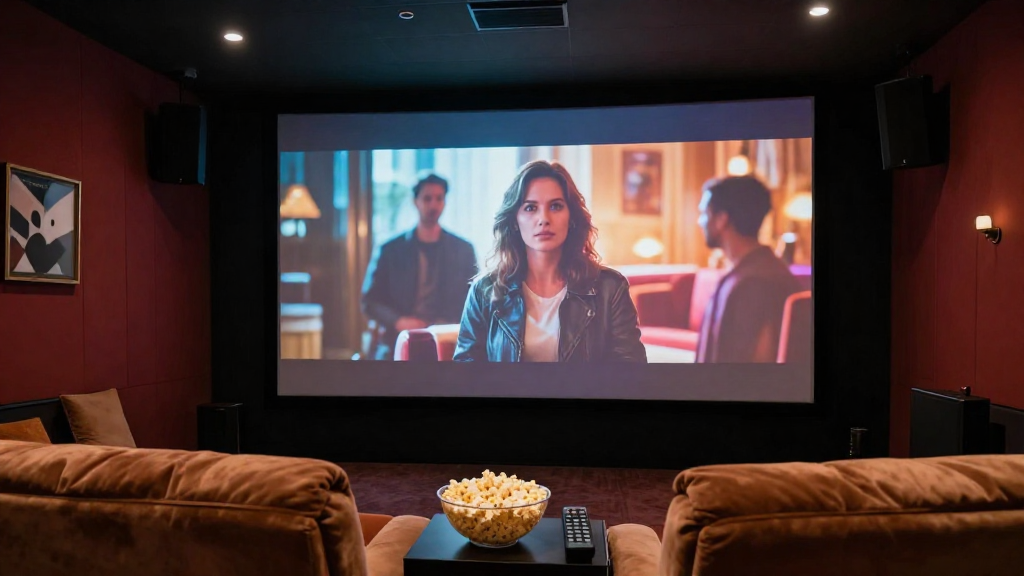
In this article, we will explore various methods on how to fix home theater picture issues, ensuring you enjoy the best viewing experience.
What Are Common Home Theater Picture Problems?
Understanding the most common picture problems can help you quickly identify and resolve them. Here are the typical issues you might encounter:
- Blurry Images: Often caused by misalignment or poor source quality.
- Color Distortion: This may indicate calibration issues or a faulty cable.
- Screen Flickering: Typically linked to a bad connection or interference.
Blurry Images
Blurry images can be frustrating and often signify that your projector or TV is out of focus. Make sure to check the focus settings on your device. If the problem persists, consider adjusting the distance between the screen and the projector.
Color Distortion
Color distortion can ruin the viewing experience. This issue can stem from incorrect video settings or damaged cables. Always ensure that your HDMI cables are in good condition and that your device’s color settings are calibrated properly.
Screen Flickering
Screen flickering might not only be annoying but can also indicate a more serious problem. Check for loose connections, and ensure your cables are securely plugged in. If the issue persists, consider testing with another device to identify the source of the problem.
How Can You Diagnose Picture Issues?
Diagnosing picture issues involves a systematic approach to identify the root cause. Here are steps you can take:
- Check the Source: Ensure that your input device (e.g., Blu-ray player, streaming device) is functioning properly.
- Inspect Cables: Look for any visible damage on your HDMI or component cables.
- Test Different Settings: Switch between different picture modes to see if any changes occur.
Check the Source
Start by ensuring that the device sending the signal is working correctly. Try using a different source to see if the issue persists. If the problem lies with the source, you may need to update or replace it.
Inspect Cables
Cables are often the culprits behind poor picture quality. Examine the cables for any signs of wear or damage. If you find any issues, replace the cables to see if that resolves the problem.
Test Different Settings
Most home theater systems have various picture settings. Experimenting with these settings can sometimes uncover hidden issues. Adjust brightness, contrast, and color settings to see if the picture improves.
What Are Some Quick Fixes for Picture Issues?
Sometimes, a quick fix can solve your home theater picture problems without needing extensive troubleshooting. Here are a few quick solutions:
- Restart Your Device: A simple restart can often clear up minor glitches.
- Adjust the Aspect Ratio: Ensure your aspect ratio is set correctly for your screen size.
- Update Firmware: Keeping your devices updated can resolve compatibility issues.
Restart Your Device
Restarting your home theater system can resolve temporary issues. Unplug your device, wait a few seconds, and then plug it back in. This can refresh the system and clear minor errors.
Adjust the Aspect Ratio
Incorrect aspect ratios can lead to distorted images. Check the settings on your display and adjust to match the content you’re watching. This ensures that the picture fits your screen appropriately.
Update Firmware
Outdated firmware can lead to various issues, including picture problems. Regularly check for updates from your device manufacturer and apply them as needed. This can also enhance performance and add new features.
When Should You Call a Professional?
While many picture issues can be resolved independently, some situations may require professional assistance. Here are a few indicators:
- Persistent Problems: If the same issue continues despite troubleshooting.
- Physical Damage: Signs of damage to your display or projector should be assessed by an expert.
- Complex Setups: If your home theater setup is complicated, professional help may be necessary.
Persistent Problems
If you’ve exhausted all troubleshooting options and the issue remains, it might be time to seek professional help. Persistent problems can signal underlying issues that require specialized knowledge to fix.
Physical Damage
Visible damage to your TV or projector can affect performance and may lead to further issues if not addressed. A professional technician can assess the extent of the damage and provide appropriate solutions.
Complex Setups
Home theaters with multiple components can sometimes encounter issues that are difficult to diagnose. If you’re unsure about what to do, a professional can help streamline your setup and ensure everything works harmoniously.
What Are Some Preventative Measures?
Preventing picture issues in your home theater system is as important as fixing them. Here are some steps to keep your system running smoothly:
- Regular Maintenance: Schedule periodic check-ups for your equipment.
- Proper Cleaning: Dust and clean your devices regularly to avoid overheating.
- Quality Equipment: Invest in high-quality cables and devices to reduce issues.
Regular Maintenance
Just like any other electronics, home theater systems benefit from regular maintenance. This can include checking connections and ensuring that all components are functioning properly. Establishing a routine can help catch issues early.
Proper Cleaning
Dust can accumulate on devices and lead to overheating, negatively impacting performance. Regularly clean your home theater components, using appropriate cleaning materials. This will help maintain optimal performance.
Quality Equipment
Investing in quality components can significantly reduce the likelihood of encountering picture issues. Ensure your cables, projectors, and displays are from reputable manufacturers. This can enhance your overall viewing experience.
Conclusion: How to Fix Home Theater Picture Issues
Knowing how to fix home theater picture issues can greatly enhance your viewing experience. By following these diagnostic steps, quick fixes, and preventative measures, you can ensure that your home theater remains in top condition. Should problems persist, don’t hesitate to reach out to professionals for assistance.