
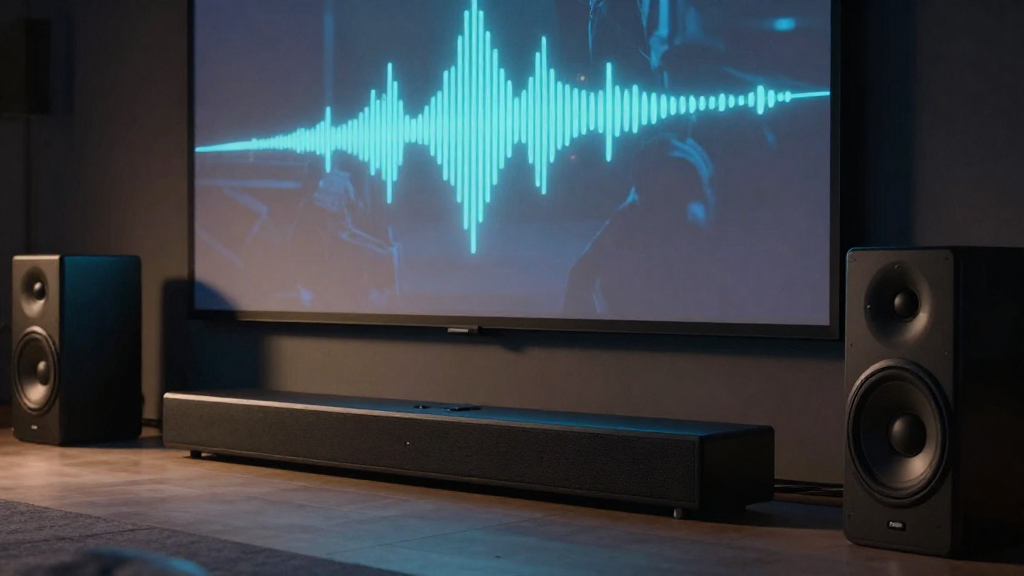
In this article, we’ll explore various methods on how to fix home theater lip sync issues, ensuring a seamless viewing experience.
What Causes Lip Sync Issues in Home Theaters?
Understanding the root causes of lip sync issues can help in finding effective solutions. Lip sync problems typically arise due to delays in audio processing, video playback, or transmission. Here are some common causes:
1. Video Delay
Video delay can occur when your television or projector takes longer to process the image. This often happens with high-definition content where the image resolution is higher, resulting in a lag. To address this, check for any video processing settings in your display’s menu.
2. Audio Delay
Some audio systems introduce a delay when converting digital audio signals. If you’re using a soundbar or external speakers, they might take longer to process the sound. To mitigate this, try adjusting the audio sync settings on your device.
3. Streaming Issues
If you’re streaming content, network latency can contribute to lip sync issues. A slow or unstable internet connection can cause audio and video to become out of sync. Consider upgrading your internet plan or using a wired connection for better performance.
How Can You Adjust Audio Sync Settings?
Most modern home theater systems offer audio sync settings that can help align the sound with the video. Adjusting these settings is an effective way on how to fix home theater lip sync issues. Here’s a step-by-step guide:
1. Access the Audio Settings
Go to the audio settings menu on your television or audio receiver. Look for options labeled as ‘Audio Delay’ or ‘Lip Sync Adjustment.’ This is where you can make adjustments to synchronize the audio with the video.
2. Make Incremental Adjustments
Start by making small adjustments, usually in milliseconds. Play a scene with clear dialogue and adjust until the sound matches the lip movements. This trial and error method is often the best way to find the right setting.
3. Test Different Sources
Not all sources produce the same lip sync issues. Test your settings with various input sources such as Blu-ray players, streaming devices, and gaming consoles. This will help you determine if the problem lies with a specific device or cable.
What Hardware Solutions Are Available?
If adjusting the audio sync settings doesn’t resolve the issue, you might need to consider hardware solutions. Certain devices can help improve the synchronization between audio and video. Here are some options:
1. Upgrade Your HDMI Cables
Using high-quality HDMI cables can reduce latency. Ensure your cables are rated for high-speed to support advanced audio and video formats. This can make a significant difference in reducing lip sync issues.
2. Use an External Audio Processor
An external audio processor can help in managing audio delay more effectively than built-in TV settings. These devices often offer more advanced synchronization options, providing precise control over audio timing.
3. Consider a New AV Receiver
If your AV receiver is older, it might not handle high-definition formats efficiently. Investing in a new receiver can improve overall performance and reduce lip sync problems. Look for receivers with advanced audio processing capabilities.
When Should You Seek Professional Help?
Sometimes, fixing lip sync issues can be more complicated than simple adjustments or hardware upgrades. If problems persist despite your efforts, it may be time to consult a professional. Here are some scenarios where professional help is advisable:
1. Extensive Wiring Issues
If your home theater setup involves extensive wiring or complex configurations, a professional can help identify any issues. They can also ensure that all connections are secure and functioning correctly.
2. Calibration Services
Professional calibration services can help optimize your home theater setup. They can adjust your audio and video settings to perfection, ensuring the best viewing experience possible.
3. Persistent Software Problems
Software issues can sometimes lead to persistent lip sync problems. If you suspect this is the case, a technician can help diagnose and correct these issues, ensuring all devices work harmoniously together.
Are There Preventative Measures to Avoid Lip Sync Issues?
Preventing lip sync issues is often easier than fixing them. By taking a few proactive measures, you can maintain a smoother audio-visual experience. Here are some tips to consider:
1. Keep Software Updated
Regularly check for software updates for your television, audio receiver, and streaming devices. Manufacturers often release updates that can resolve known issues, including lip sync problems.
2. Optimize Your Network
If you frequently stream content, ensure your network is optimized. Use a reliable router, minimize interference, and consider investing in a mesh Wi-Fi system for better coverage.
3. Choose Compatible Devices
When purchasing new devices, ensure they are compatible with one another. Mismatched audio and video formats can lead to synchronization issues. Research compatibility before making a purchase.
Conclusion: Mastering Lip Sync in Your Home Theater
In conclusion, knowing how to fix home theater lip sync issues involves understanding the causes, making adjustments, and considering hardware solutions. By following the steps outlined in this article, you can significantly enhance your home viewing experience. Remember to regularly maintain your system, stay updated, and do not hesitate to seek professional help when needed. Enjoy your perfectly synchronized home theater!