
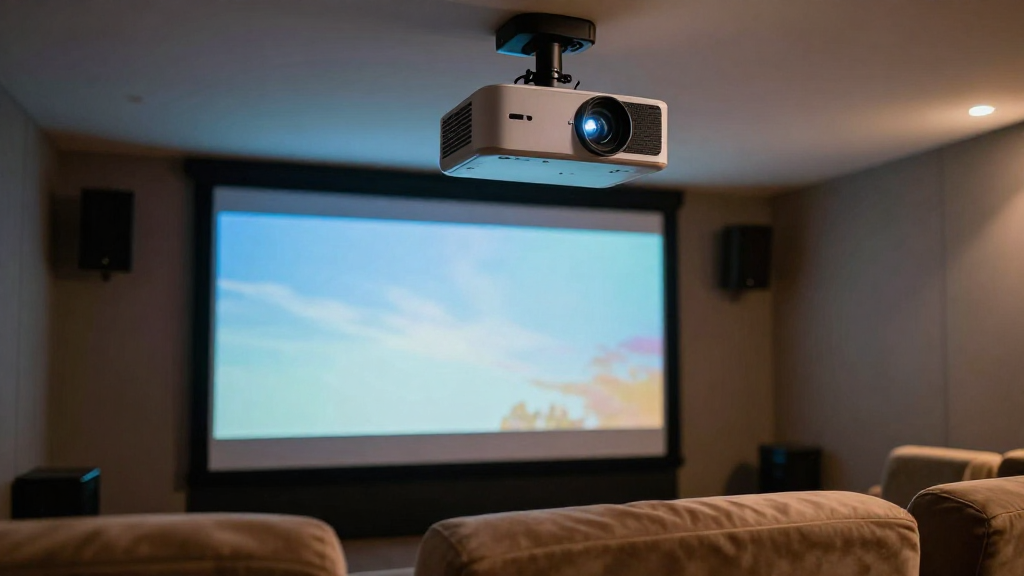
This article explores the relationship between zoom and throw distance in home theater setups, specifically focusing on the differences between home theater zoom vs throw.
What is Projector Throw Distance?
Projector throw distance refers to the distance from the projector lens to the screen where the image is projected. Understanding this concept is essential for setting up a home theater effectively.
Defining Throw Ratio
The throw ratio is a key factor in determining how far a projector needs to be placed from the screen. It is calculated as the distance from the projector to the screen divided by the width of the projected image. For example, a projector with a throw ratio of 1.5:1 requires 1.5 feet of distance for every foot of image width.
Importance of Throw Distance
The throw distance can significantly affect image quality and size. A projector placed too far away may result in a smaller image, while a closer placement could lead to distortion. Thus, knowing the correct throw distance helps in achieving optimal viewing experiences.
Common Throw Distances
- Short throw: 3-6 feet
- Standard throw: 6-12 feet
- Long throw: 12+ feet
How Does Zoom Function in Projectors?
Zoom capability in projectors allows users to adjust the size of the projected image without moving the projector itself. This feature can be especially useful in home theater setups where space might be limited.
Types of Zoom
There are generally two types of zoom in projectors: optical zoom and digital zoom. Optical zoom adjusts the lens to change the image size while maintaining quality, whereas digital zoom enlarges the image electronically, which can lead to a loss in clarity.
Optical vs. Digital Zoom
- Optical Zoom: Best for maintaining image quality.
- Digital Zoom: Convenient but may reduce resolution.
Benefits of Zoom in Home Theater
Utilizing zoom in a home theater can enhance flexibility and adjustability. Users can fine-tune the image size according to their screen dimensions and seating arrangements. This adaptability makes home theater setups more user-friendly.
How Do Zoom and Throw Distance Interact?
The interaction between zoom and throw distance is crucial in determining the final image size and quality. Understanding this relationship can help users optimize their home theater experience.
Adjusting Image Size with Zoom
When the projector is positioned at a certain throw distance, zooming in or out can alter the image size significantly. This is particularly beneficial if the projector is not positioned ideally. Adjusting the zoom can compensate for spatial limitations.
The Impact on Image Quality
While zooming can change the image size, it can also affect image quality. Excessive zooming, especially in the case of digital zoom, can lead to pixelation and a less sharp image. Therefore, it’s essential to balance zoom adjustments with throw distance for optimal results.
Best Practices for Using Zoom and Throw Distance Together
- Always aim to use optical zoom when possible.
- Position the projector according to the ideal throw distance.
- Test various zoom settings to find the best image quality.
What Are the Limitations of Zoom in Home Theater Setups?
Despite the advantages of zoom, there are limitations that users should be aware of when setting up their home theater. Understanding these limitations can help in making informed decisions.
Physical Constraints
In smaller rooms, the throw distance may limit the projector’s placement. If the space is too confined, achieving the desired image size may be impossible, regardless of the zoom capabilities of the projector. Users must assess their room size before making a purchase.
Quality vs. Convenience
While zoom provides convenience, it may come at the cost of image quality. Digital zoom can detract from the viewing experience, leading to blurred images. Users should prioritize projectors that offer good optical zoom for better quality.
Compatibility Issues
- Some projectors may not support extensive zoom capabilities.
- Different screen sizes can affect how zoom is utilized.
- Not all projectors have the same throw ratios, which can lead to compatibility issues.
Conclusion: Balancing Zoom and Throw Distance
Understanding the dynamics between home theater zoom vs throw is essential for achieving the best possible setup. By considering both elements, users can create a home theater that provides high-quality viewing experiences.
To summarize:
- **Projector throw distance** is critical for image size and quality.
- **Zoom functions** allow for flexible adjustments within set constraints.
- **Balancing both features** is key to optimizing home theater setups.
By being informed about these aspects, home theater enthusiasts can enhance their viewing pleasure and achieve the ultimate cinematic experience at home.