
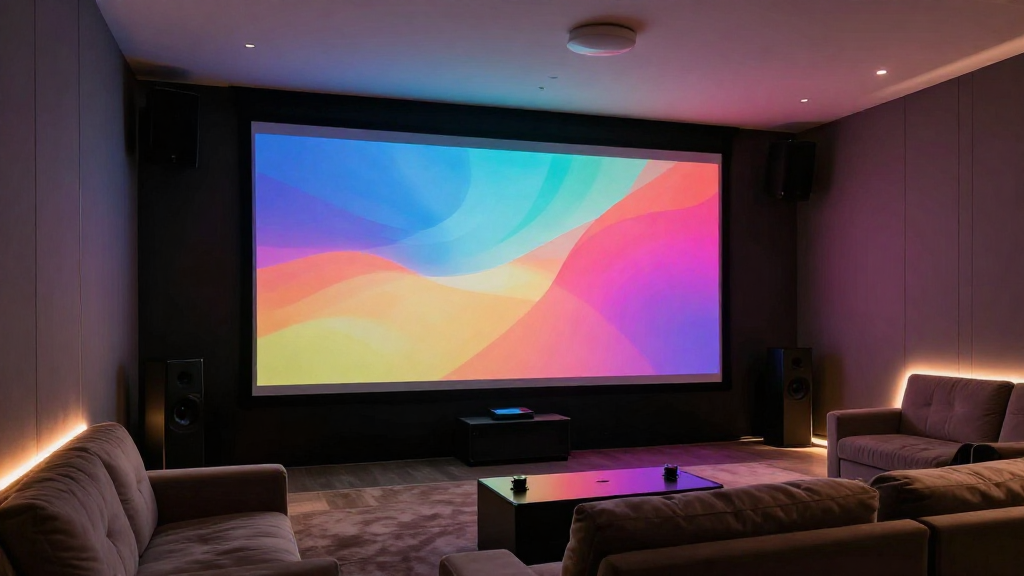
In this article, we will explore the concept of home theater resolution explained, its various types, and how it affects your overall viewing experience.
What Are the Different Types of Home Theater Resolutions?
Understanding the various types of resolutions is essential for any home theater enthusiast. Each type has its unique characteristics and applications.
720p Resolution
720p, also known as HD (High Definition), is one of the most basic resolutions available. It consists of 1280×720 pixels, providing a decent viewing experience for smaller screens. However, on larger displays, the image may not be as sharp compared to higher resolutions.
1080p Resolution
1080p, or Full HD, significantly improves upon 720p with its 1920×1080 pixel count. This resolution is widely popular for movies and gaming, offering clear and detailed images. Many Blu-ray discs and streaming services provide content in 1080p, making it a standard choice for home theaters.
4K Resolution
4K resolution, also known as Ultra HD, boasts a pixel count of 3840×2160. This resolution provides four times the detail of 1080p, creating a more immersive viewing experience. As technology advances, more content is becoming available in 4K, making it an attractive option for home theater setups.
8K Resolution
The latest in home theater technology is 8K resolution, which offers an astounding 7680×4320 pixel count. Although content in 8K is still limited, it promises an unparalleled level of detail. As more devices and content become available, 8K displays are likely to become more common in premium home theaters.
How Does Resolution Affect Picture Quality?
The resolution of your home theater significantly impacts the picture quality and viewing experience. A higher resolution generally results in a clearer and more detailed image.
Clarity and Detail
Higher resolutions, such as 4K and 8K, provide greater clarity and detail. This is particularly noticeable in larger screens, where lower resolutions may appear pixelated. A sharper image enhances immersion, making you feel as if you’re part of the action.
Viewing Distance
Your viewing distance also plays a crucial role in how resolution affects picture quality. For instance, if you sit too far from a 720p screen, the difference between it and a 1080p or 4K screen may not be apparent. However, sitting closer to a high-resolution screen will allow you to appreciate the increased detail.
Source Material
The quality of the source material is vital when considering resolution. If you’re watching low-resolution content on a high-resolution screen, the benefits of the screen’s resolution may not be fully realized. Always ensure that your source material matches or exceeds your screen’s resolution for the best experience.
What Are the Benefits of Higher Resolutions in Home Theater?
Investing in higher resolutions for your home theater can lead to numerous benefits, enhancing your overall entertainment experience.
Enhanced Immersion
With higher resolutions, the images on your screen become more lifelike and engaging. This increased immersion can make movie-watching, gaming, and other activities more enjoyable. Viewers often report feeling more connected to the content when the visuals are richer and clearer.
Future-Proofing Your Home Theater
Choosing a higher resolution can help future-proof your home theater setup. As technology advances, more content will be available in higher resolutions. Investing in 4K or even 8K technology now can ensure that your home theater remains relevant for years to come.
Better Color Accuracy
Higher resolutions often come with better color accuracy and depth. This enhances the overall quality of the images you see on screen, making them more vibrant and true to life. A well-calibrated high-resolution display can showcase a wider color gamut, adding to the viewing experience.
How to Optimize Home Theater Resolution?
Optimizing your home theater resolution involves more than just selecting a high-resolution display. Several factors come into play to ensure the best experience.
Choose the Right Display Size
The size of your display should be appropriate for your room and viewing distance. For example, a large 4K screen is ideal for larger rooms, while a smaller 1080p screen may suffice for a cozy setup. Ensure that the screen size complements your viewing habits.
Use Quality Cables and Connections
To fully utilize high resolutions, invest in quality cables and connections. HDMI cables are essential for transmitting high-definition signals, and using the latest versions can ensure compatibility with 4K and 8K content. Poor-quality cables can lead to degraded image quality.
Calibrate Your Display
Calibrating your display is crucial for achieving the best picture quality possible. Adjust settings such as brightness, contrast, and color to suit your preferences. Consider using calibration tools or hiring a professional for optimal results.
What Should You Consider When Choosing a Home Theater Resolution?
When selecting the right resolution for your home theater, there are several considerations to keep in mind. These factors will help you make an informed decision.
Budget
Your budget plays a significant role in determining the resolution you can afford. Higher-resolution displays, such as 4K and 8K, typically come with a higher price tag. Assess your budget and weigh the benefits of investing in a premium display against your financial constraints.
Content Availability
Consider the availability of content in the resolution you choose. While 4K content is increasingly common, 8K content is still somewhat limited. Ensure that your preferred content sources support the resolution you are considering for your home theater.
Room Setup and Viewing Distance
Your room setup and viewing distance will affect your resolution choice. A smaller room may not benefit as much from an 8K display, while a larger room could make use of the increased detail. Evaluate your space to determine the most appropriate resolution for your setup.