
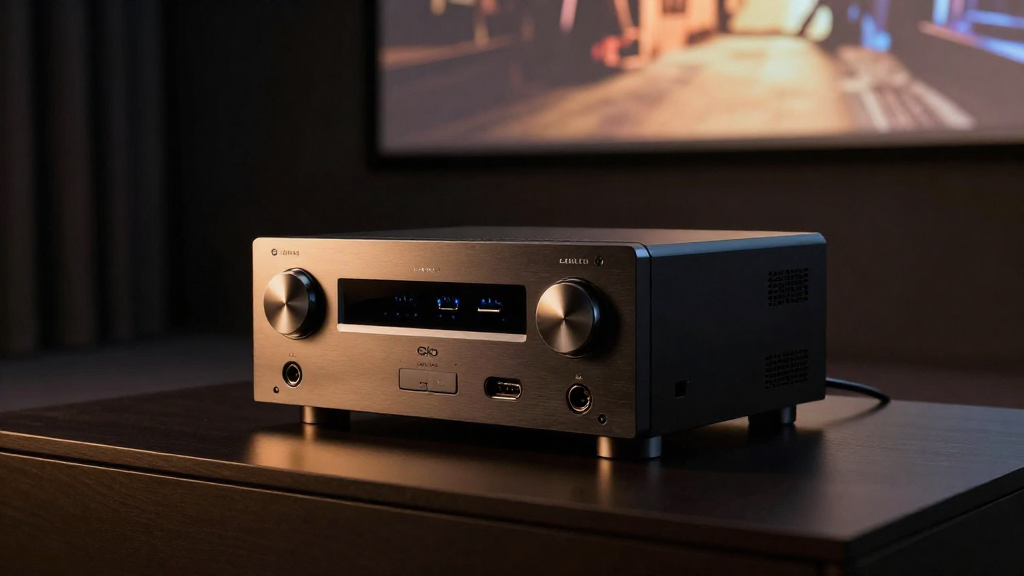
In this article, we will explore the differences between home theater optical vs HDMI audio, helping you make an informed decision for your home entertainment system.
What is Optical Audio?
Optical audio, also known as TOSLINK, is a digital audio connection that transmits data using light pulses. This technology has been around for several years and is commonly used in various audio devices.
How Does Optical Audio Work?
Optical audio works by converting electrical audio signals into light signals, which are then transmitted through a fiber-optic cable. The light signal travels to the receiving device, where it is converted back into an electrical signal for audio playback.
Advantages of Optical Audio
- No electrical interference: Since optical audio transmits signals via light, it is immune to electrical interference, ensuring clear sound quality.
- Widely compatible: Many older devices support optical audio, making it a versatile choice for various setups.
- Cost-effective: Optical cables are generally less expensive than HDMI cables, making them an economical option for audio connections.
Disadvantages of Optical Audio
- Limited audio formats: Optical audio typically supports up to 5.1 surround sound, which may not be sufficient for high-end home theaters.
- No video transmission: Optical cables cannot transmit video signals, making them less versatile than HDMI connections.
- Fragility: Optical cables can be more fragile than their HDMI counterparts, making them susceptible to damage if not handled carefully.
What is HDMI Audio?
HDMI (High-Definition Multimedia Interface) is a widely used connection that transmits both audio and video signals. It has become the standard for modern home theater systems due to its versatility and higher audio quality.
How Does HDMI Audio Work?
HDMI audio works by transmitting uncompressed digital audio signals along with high-definition video signals through a single cable. This enables a seamless connection between devices, simplifying setups.
Advantages of HDMI Audio
- High audio quality: HDMI can support high-resolution audio formats, including Dolby Atmos and DTS:X, providing a superior sound experience.
- Single cable solution: With HDMI, you can connect both audio and video, reducing cable clutter and simplifying your home theater setup.
- ARC and eARC support: HDMI Audio Return Channel (ARC) and enhanced Audio Return Channel (eARC) features allow for easy audio transmission from the TV back to an audio receiver.
Disadvantages of HDMI Audio
- Compatibility issues: Some older devices may not support HDMI connections, which can limit compatibility in certain setups.
- Cost: HDMI cables can be more expensive, especially high-quality models that support advanced audio formats.
- Complexity: With HDMI, configurations can become more complicated, particularly with multi-device setups and settings adjustments.
Which is Better for Home Theater Audio?
Choosing between home theater optical vs HDMI audio largely depends on your specific needs and setup. Each option has unique features that cater to different preferences and requirements.
Audio Quality Considerations
If audio quality is your top priority, HDMI is generally the better choice. It supports higher resolution audio formats and provides a more immersive listening experience.
Setup Complexity
If you prefer a straightforward setup without multiple cables, HDMI is the way to go. However, if you have an older system, optical audio might be more suitable.
Budget Constraints
For those on a tighter budget, optical audio offers a more economical option without sacrificing too much in terms of audio quality. However, investing in HDMI might yield better long-term benefits.
Can You Use Both Optical and HDMI in One Setup?
Yes, it is possible to use both optical and HDMI connections in a single home theater setup. This flexibility allows you to optimize your audio experience while accommodating various devices.
When to Use Optical Alongside HDMI
Using optical audio in conjunction with HDMI can be beneficial if your audio receiver supports optical inputs but lacks HDMI inputs. This allows you to connect older devices while still enjoying the benefits of HDMI for newer components.
Setting Up a Hybrid System
To set up a hybrid system, connect your devices using HDMI where possible, and use optical for any older devices. Ensure your receiver is set up to manage input from both types of connections effectively.
Potential Challenges with Mixed Connections
While using both connections can enhance your setup, it may also introduce complexities. You might need to adjust audio settings frequently, and syncing issues can arise if devices operate on different audio formats.
Conclusion: Making the Right Choice
When deciding between home theater optical vs HDMI audio, consider your specific needs, budget, and the equipment you currently own. HDMI typically offers superior audio quality and convenience, while optical may still have a place in certain setups. Ultimately, the best choice is one that fits seamlessly into your home theater experience.