
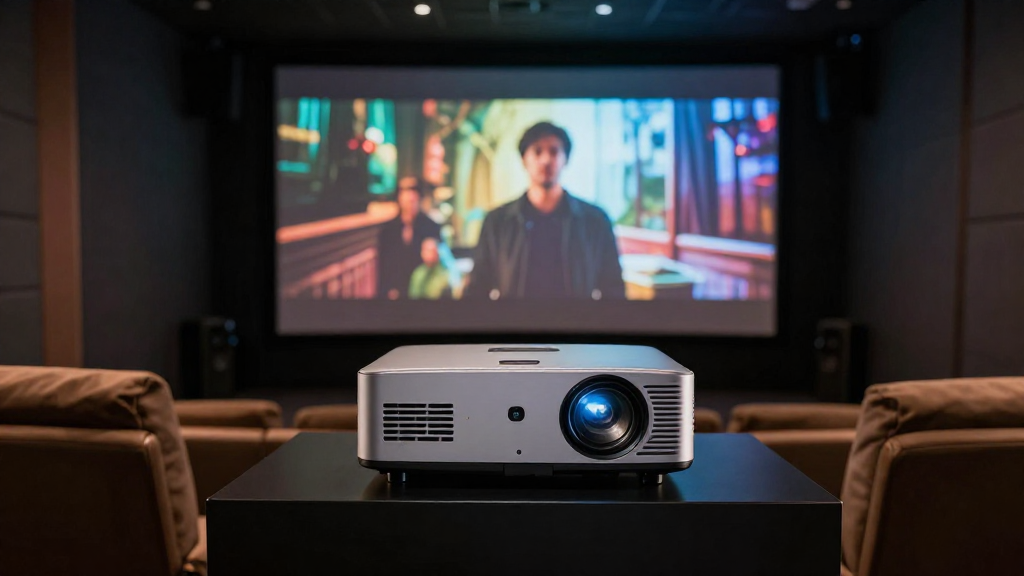
This article will explain the concept of home theater lens shift, its functionality, and how it enhances your viewing experience.
What is Lens Shift?
Lens shift refers to a feature found in many home theater projectors that allows you to adjust the position of the projected image without physically moving the projector. This mechanism helps to achieve a perfectly aligned image on your screen or wall.
How Does Lens Shift Work?
Lens shift functions by shifting the lens assembly within the projector’s housing. This capability can be vertical, horizontal, or both, depending on the projector model. By utilizing this feature, users can easily correct any misalignment caused by the projector’s placement.
Types of Lens Shift
- Vertical Lens Shift: Allows adjustment of the image up or down.
- Horizontal Lens Shift: Enables shifting the image left or right.
- Combined Lens Shift: Offers both vertical and horizontal adjustments.
Each type of lens shift serves a different purpose, depending on how your projector is set up in your space.
Benefits of Using Lens Shift
The primary benefit of lens shift is that it allows for a greater degree of flexibility when installing your home theater projector. Users can adjust the image without compromising image quality or perspective. This is particularly useful in rooms where space is limited.
Why is Lens Shift Important in Home Theater Setup?
Understanding the importance of lens shift in your home theater setup can significantly enhance your viewing experience. It helps ensure that your image is displayed correctly on the screen with minimal distortion.
Improved Image Alignment
Lens shift enables you to achieve precise image alignment, which is crucial for a satisfying viewing experience. Without proper alignment, the image may appear skewed, detracting from the overall quality. A well-aligned image allows for a more immersive experience.
Enhanced Flexibility
One of the standout features of lens shift is its flexibility. Projectors equipped with lens shift can be installed in various locations, allowing you to choose the best position for your space. This flexibility is particularly appealing for those with unconventional room layouts.
Simple Installation
Using lens shift can simplify the installation process. Instead of needing to find the exact center of the screen, you can adjust the image later. This can save time and effort during installation, making it a more user-friendly option.
How Does Lens Shift Compare to Other Methods?
When considering image adjustment, lens shift may be compared to other methods such as keystone correction and digital zoom. Understanding these differences can help you make an informed decision.
Lens Shift vs. Keystone Correction
Keystone correction adjusts the image digitally to compensate for projector angle but can lead to reduced image quality. In contrast, lens shift maintains the integrity of the image while providing a more natural look. This makes lens shift a preferable option for serious home theater enthusiasts.
Lens Shift vs. Digital Zoom
Digital zoom enlarges the image but can lead to pixelation and loss of detail. Lens shift, on the other hand, shifts the existing image without altering its size. This preserves image quality, making it a more effective solution for image adjustments.
Complementary Use
While lens shift is highly beneficial, it can also be used in conjunction with keystone correction or digital zoom when necessary. For the best results, it’s advisable to rely primarily on lens shift for alignment and only use other methods if absolutely needed.
What Should You Consider When Choosing a Projector with Lens Shift?
Choosing the right projector with lens shift involves understanding various factors that can impact your home theater experience. Certain features and specifications can enhance your selection process.
Lens Shift Range
The range of lens shift is crucial when selecting a projector. Some projectors offer limited adjustments, while others provide extensive range options. A projector with a greater lens shift range will give you more flexibility in placement and alignment.
Image Quality
Always consider the image quality when selecting a projector. Look for models that maintain high resolution and clarity, even when using lens shift. This ensures that you won’t sacrifice quality for flexibility in your setup.
Installation Space
Your available installation space will influence your choice of projector. If you have limited space, a projector with a larger lens shift range can help you install it in the most convenient location without compromising image quality.
How to Properly Use Lens Shift in Your Home Theater?
Once you’ve selected a projector with lens shift, knowing how to use it effectively is key to maximizing its potential. Proper usage will allow you to get the best experience from your home theater setup.
Initial Setup
During the initial setup, position your projector as close to your desired location as possible. After connecting the necessary cables, power on the projector and begin adjusting the lens shift to align the image with your screen.
Fine-Tuning Adjustments
After your initial setup, take the time to fine-tune the lens shift settings. Make small adjustments and check the image quality to ensure it remains sharp and clear. This process may take some time, but it’s worth the effort for optimal results.
Regular Maintenance
Regularly check your projector’s alignment, especially if it’s frequently moved or adjusted. Keeping the lens shift settings in check can prevent issues down the line. Regular maintenance ensures that you always experience the best quality from your home theater system.