
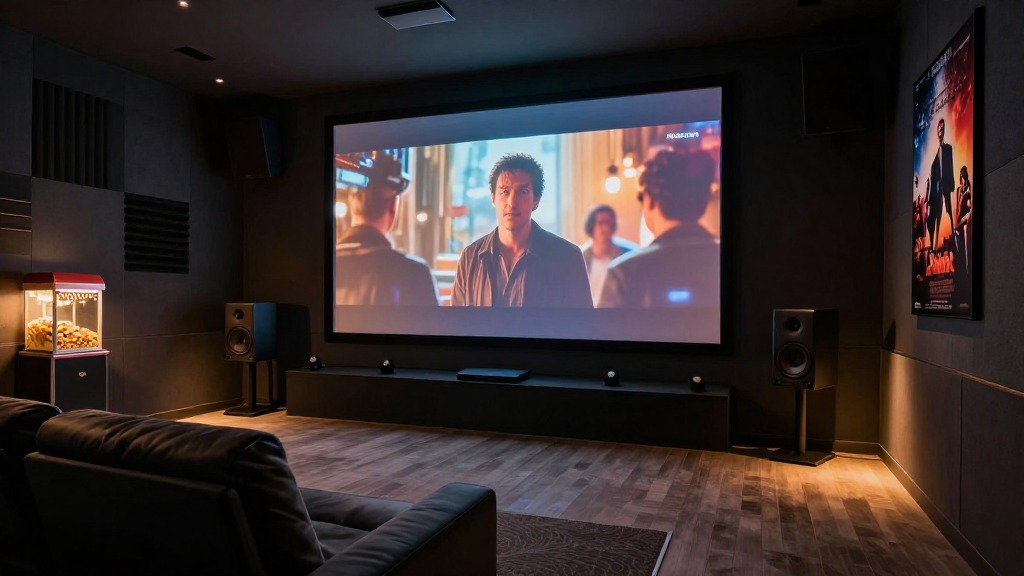
In this article, we will explore practical methods to reduce home theater interference issues, ensuring you enjoy your movie nights without interruptions.
What Causes Home Theater Interference Issues?
Understanding the root causes of home theater interference issues is crucial for effective troubleshooting.
Wireless Signal Interference
Wireless signals can be disrupted by various factors, leading to poor audio or video quality. Devices like Wi-Fi routers, microwaves, and even cordless phones can contribute to this interference. Ensure that your home theater system is positioned away from these potential sources to minimize the impact.
Environmental Factors
Physical obstructions such as walls and furniture can affect the performance of your home theater equipment. The materials used in construction, like metal or concrete, can weaken signals, leading to interference issues. Consider rearranging your setup to achieve a clearer line of sight for optimal signal transmission.
Electrical Interference
Home electronics can also be a source of interference. Devices that draw high amounts of power, such as refrigerators and air conditioners, can create electrical noise. To reduce this, connect your home theater system to a dedicated electrical circuit.
How Can You Identify Interference in Your Home Theater?
Identifying home theater interference issues can be challenging but is necessary for resolution.
Listen for Audio Disturbances
One of the most noticeable signs of interference is audio disturbances. If you hear static, popping sounds, or dropouts while watching a movie, this could indicate interference. Pay attention to the specific times when these issues occur to help pinpoint the source.
Check Your Video Quality
Video disturbances such as pixelation or lagging can also signify interference. If you notice these issues frequently, it might be time to investigate your connections and external factors that could be affecting your setup. Ensure all cables are securely connected to eliminate possible signal loss.
Use Diagnostic Tools
Utilizing diagnostic tools can help you identify interference sources effectively. Many home theater systems come with built-in diagnostics, or you can use third-party apps to analyze the signal strength. These tools can provide insights into which devices are causing the most interference.
What Steps Can You Take to Reduce Interference?
Taking proactive steps can significantly reduce home theater interference issues.
Optimize Your Wi-Fi Network
Optimizing your Wi-Fi network can enhance overall performance and reduce interference. Start by changing the channel on your router to a less congested frequency. Additionally, consider using a wired connection for devices that require stable signals.
Upgrade Your Equipment
Sometimes, the best way to combat interference issues is by upgrading to better equipment. Invest in high-quality cables and devices that are designed to minimize signal loss. Look for equipment that supports modern standards, as these often come with better shielding against interference.
Implement a Power Management System
A power management system can reduce noise from electrical interference. Use surge protectors and power conditioners to stabilize the power supply to your home theater equipment. These devices can filter out electrical noise, providing cleaner power to your system.
Are There Any Long-Term Solutions for Home Theater Interference Issues?
For a lasting solution to home theater interference issues, consider implementing these strategies.
Conduct Regular Maintenance
Regular maintenance of your home theater system can help prevent interference issues from arising. Check cables for wear and tear, and replace any damaged components promptly. Keeping your equipment clean and dust-free can also enhance performance.
Invest in Signal Boosters
Signal boosters can significantly enhance the quality of wireless signals in your home. By amplifying the signal, you can reduce the likelihood of interference. Be sure to choose a booster compatible with your devices for optimal results.
Consider Professional Installation
If you continue to struggle with interference issues, consider hiring a professional for installation. Experts can assess your unique setup and provide tailored solutions to minimize interference. They can also ensure that all equipment is optimally configured for performance.
How Can You Enhance Your Home Theater Experience?
By addressing home theater interference issues, you can significantly enhance your overall viewing experience.
Upgrade Your Audio System
Investing in a high-quality audio system can elevate your home theater experience. Look for systems that offer surround sound and advanced features to provide an immersive experience. Quality speakers can also minimize distortion caused by interference.
Create an Ideal Viewing Environment
Creating a comfortable viewing environment can enhance your experience. Consider factors like room lighting, seating arrangement, and soundproofing to maximize enjoyment. A well-designed space can help mitigate the effects of any remaining interference.
Engage in Community Forums
Engaging in community forums dedicated to home theater systems can provide valuable insights. You can learn from others’ experiences and discover new techniques to reduce interference. Sharing your own challenges and successes can also contribute to the community.