
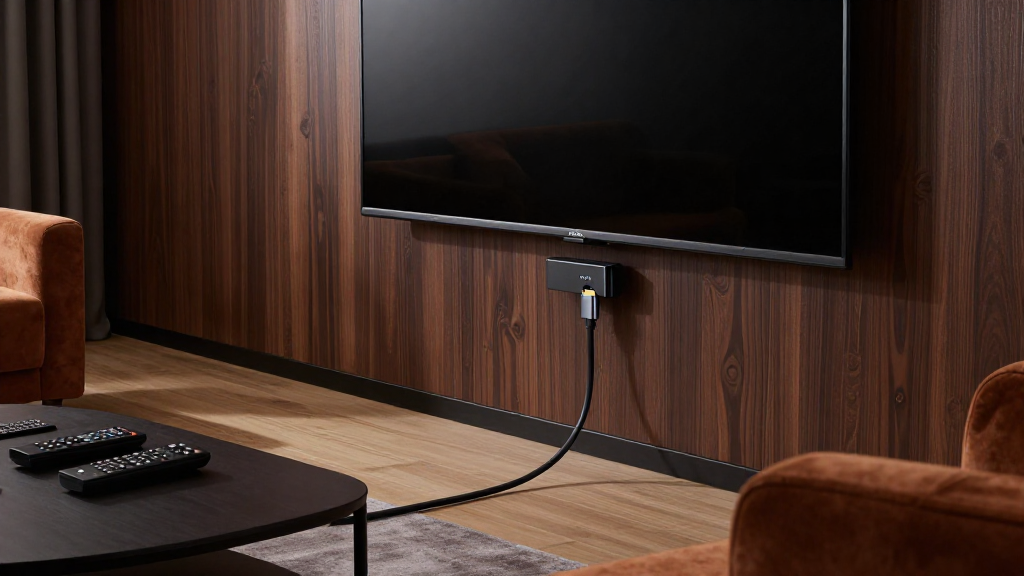
In this article, we will break down the concept of home theater HDMI ARC explained, including its functionality, benefits, and how to connect it to enhance your viewing experience.
What Does HDMI ARC Stand For?
HDMI ARC stands for High-Definition Multimedia Interface Audio Return Channel. This technology simplifies the connection between your TV and audio devices.
Understanding the Basics of HDMI
HDMI is a standard for transmitting high-quality audio and video signals between devices. It allows you to connect various components, such as Blu-ray players, gaming consoles, and sound systems. The addition of ARC enables two-way communication, where audio can be sent back from the TV to the audio receiver.
What Makes HDMI ARC Different?
Unlike traditional HDMI connections, which only send audio and video signals from a source to a display, HDMI ARC allows audio signals to flow in both directions. This means you can use your TV’s built-in apps and still send sound to an external sound system without needing additional cables.
Why Is HDMI ARC Important for Home Theaters?
HDMI ARC streamlines your home theater setup by reducing the number of cables needed. It also provides better audio quality and simplifies control through features like CEC (Consumer Electronics Control), allowing you to control multiple devices with a single remote.
How Does HDMI ARC Work?
Understanding how HDMI ARC works can help you maximize its benefits in your home theater setup. The technology operates through specific HDMI ports and settings on your devices.
Compatible Devices
To utilize HDMI ARC, both your TV and audio device (like a soundbar or AV receiver) must support this feature. Check your device specifications for HDMI ARC compatibility. Most modern TVs and audio systems include this functionality, making it widely accessible.
Setting Up HDMI ARC
Setting up HDMI ARC is straightforward. First, connect an HDMI cable from the ARC port on your TV to the ARC-enabled HDMI port on your audio device. Next, enable HDMI ARC in your TV’s settings menu. Finally, ensure that the audio device is set to recognize the HDMI input for seamless operation.
Common Issues with HDMI ARC
While HDMI ARC is designed to simplify connections, users may experience issues like audio lag or no sound at all. Often, these problems can be resolved by checking cable connections, ensuring devices are updated, or adjusting settings in the audio device’s menu.
What Are the Benefits of Using HDMI ARC?
Using HDMI ARC offers several advantages that enhance your home theater experience. From improved sound quality to simplified connectivity, its benefits are significant.
Enhanced Audio Quality
One of the primary benefits of HDMI ARC is the ability to transmit high-definition audio formats. This includes Dolby TrueHD and DTS-HD Master Audio, which provide a more immersive sound experience. By using HDMI ARC, you can enjoy the full fidelity of these audio formats without degradation.
Simplified Setup
With HDMI ARC, the number of cables needed for a complete home theater system is minimized. This simplifies the setup process and reduces clutter. You can easily connect multiple devices using just a single HDMI cable for audio return, making it an efficient choice for any home theater enthusiast.
Single Remote Control Functionality
Another significant advantage of HDMI ARC is the ability to control multiple devices with one remote. Through CEC functionality, you can turn on your TV and audio system simultaneously or adjust the volume from your TV remote. This convenience enhances user experience and makes operation straightforward.
Are There Alternatives to HDMI ARC?
While HDMI ARC is a powerful technology, there are alternatives that may suit different setups or preferences. Exploring these options can help you find the best fit for your home theater.
Optical Audio Connections
Optical audio cables are a popular alternative to HDMI ARC. They transmit audio signals digitally, providing a decent audio quality. However, they do not support high-definition audio formats and lack the two-way communication feature of HDMI ARC.
Bluetooth Audio
Bluetooth is another option for connecting audio devices wirelessly. While it offers convenience, the audio quality may not match that of HDMI ARC. Additionally, Bluetooth connections can introduce latency, making them less ideal for synchronized audio and video playback.
Upgrade to HDMI eARC
For those looking for an enhanced experience, HDMI eARC (Enhanced Audio Return Channel) is a superior option. It supports higher bandwidth audio formats and allows for more advanced features. If you’re investing in a new system, consider devices that support eARC for the best audio experience.
Conclusion: Why Use HDMI ARC in Your Home Theater?
In summary, understanding home theater HDMI ARC explained allows you to leverage its advantages for a superior audio experience. From simplified setup to enhanced sound quality, HDMI ARC is a valuable feature in modern home theaters.
When setting up your system, ensure all devices are compatible and properly configured to take full advantage of HDMI ARC. With this technology, you can enjoy a seamless, high-quality audio experience that enhances your movie and music enjoyment.