
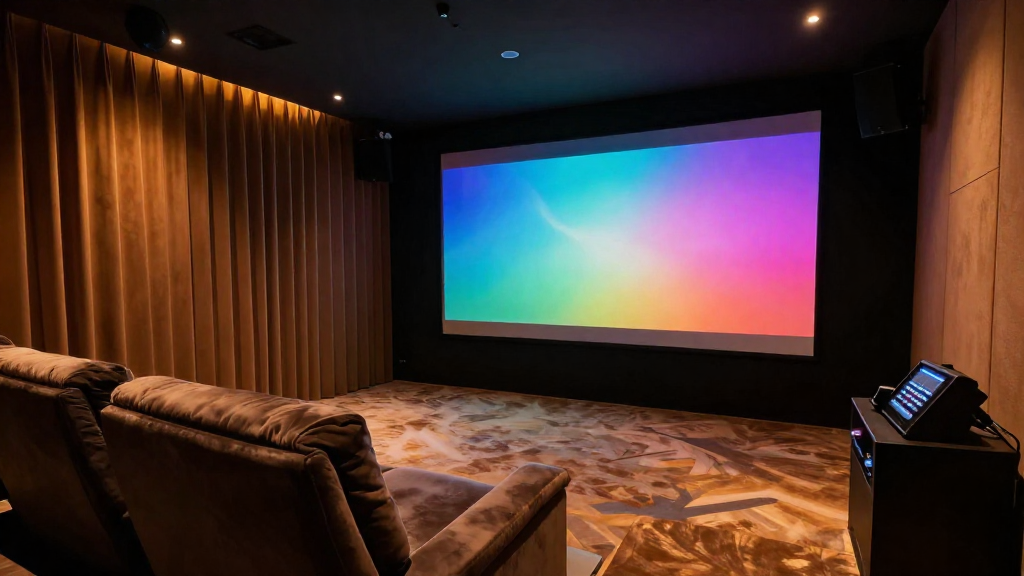
This article will explain the process of home theater color calibration, providing you with the knowledge to enhance your viewing experience.
What Is Home Theater Color Calibration?
Home theater color calibration refers to the process of adjusting your display settings to ensure accurate color reproduction. The goal is to provide a viewing experience that reflects the creator’s intentions, resulting in vibrant and true-to-life images. This process is essential for anyone who wants to achieve the best possible picture quality in their home theater.
Why Is Color Calibration Important?
Color calibration is crucial because it helps eliminate discrepancies in color accuracy. Without proper calibration, you may notice:
- Colors appearing overly saturated or washed out.
- Inconsistent color tones across different scenes.
- Loss of detail in shadows and highlights due to incorrect gamma settings.
What Are the Benefits of Calibrating Colors?
Calibrating colors in your home theater can significantly enhance your viewing experience. Some benefits include:
- Improved color accuracy, leading to a more immersive experience.
- Enhanced contrast and brightness levels, allowing for better detail in darker scenes.
- Longer lifespan of your display by reducing strain from incorrect settings.
How Do You Perform Home Theater Color Calibration?
Performing home theater color calibration involves several steps that can be accomplished with the right tools and techniques. Whether you’re a novice or a seasoned enthusiast, following these steps will yield better results.
What Tools Do You Need?
To begin the calibration process, you’ll need a few essential tools:
- A calibration disc (such as Disney’s WOW or Spears & Munsil).
- A colorimeter or spectrophotometer for precise measurements.
- A computer with calibration software for advanced adjustments.
What Steps Should You Follow?
Here are the basic steps to calibrate your home theater colors:
- Set up the display in a controlled lighting environment to minimize reflections.
- Use a calibration disc to adjust brightness, contrast, and color settings.
- Utilize a colorimeter to measure and adjust primary and secondary colors.
How Long Does Calibration Take?
The time required for calibration can vary based on your experience level and the tools at your disposal. Generally, expect the entire process to take:
- 1-2 hours for basic calibration using a disc.
- 3-5 hours for advanced calibration with a colorimeter.
- Additional time for fine-tuning settings and testing various content.
What Are Common Challenges in Color Calibration?
While calibrating your home theater colors can greatly improve your viewing experience, several challenges may arise during the process. Understanding these challenges can help you overcome them more efficiently.
How Do Lighting Conditions Affect Calibration?
Lighting conditions play a significant role in how colors appear on your display. Inconsistent ambient light can lead to:
- Distorted color perception, making it harder to achieve accurate calibration.
- Reflections that may affect brightness and contrast settings.
- Fluctuations in perceived colors when viewing different content types.
What If You Don’t Have Professional Tools?
If you lack professional calibration tools, don’t worry; you can still achieve decent results using basic equipment. Consider these alternatives:
- Use built-in calibration settings in your display.
- Follow online guides that provide step-by-step instructions.
- Invest in a lower-cost calibration disc for essential adjustments.
How Do You Know When Calibration Is Complete?
Determining when your home theater color calibration is complete can be subjective. However, look for these indicators:
- Colors appear natural and consistent across various content types.
- You notice improved clarity in shadows and highlights.
- Feedback from others confirms the quality of the picture.
What Maintenance Is Required Post-Calibration?
Once you’ve calibrated your home theater colors, ongoing maintenance is essential to ensure picture quality remains consistent over time. Regular checks can help you catch changes before they impact your viewing experience.
How Often Should You Recalibrate?
The frequency of recalibration can depend on several factors. Generally, it’s advisable to:
- Recalibrate every 6-12 months for optimal performance.
- Perform recalibration after significant changes to your home theater setup.
- Check your settings after moving your display or changing the room’s lighting.
What Should You Monitor Over Time?
Keeping an eye on specific aspects can help maintain your calibrated settings, including:
- Changes in brightness due to lamp aging or ambient light variations.
- Shifts in color accuracy as your display ages.
- Overall performance of your source devices, such as Blu-ray players or streaming devices.
Can Software Updates Affect Calibration?
Yes, software updates can impact your display’s performance and potentially alter calibrated settings. It’s important to:
- Check for updates regularly and read the release notes for any changes.
- Revisit calibration settings after major software updates.
- Consider recalibrating if you notice changes in picture quality post-update.
In conclusion, home theater color calibration explained is an essential process that can greatly enhance your viewing experience. By understanding the importance, tools, and techniques involved, you can achieve stunning picture quality that truly brings your favorite films and shows to life.