
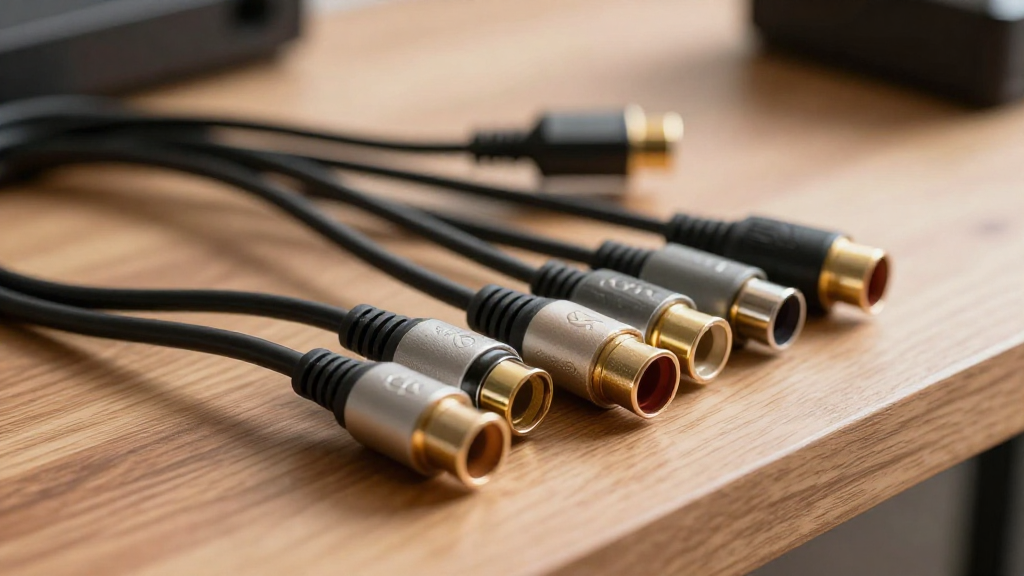
In this article, we will explore the important topic of home theater cable length limits and how they affect your audio and video experience.
What Are Home Theater Cable Length Limits?
Home theater cable length limits refer to the maximum distance that various types of cables can effectively transmit audio and video signals without significant degradation in quality. Understanding these limits is crucial for setting up an optimal home theater system.
Types of Cables and Their Length Limits
- HDMI Cables: Typically, HDMI cables can run up to 50 feet without loss of quality, but beyond that, signal boosters or active cables may be necessary.
- Speaker Wires: For speaker wires, the length limit generally ranges from 50 to 100 feet, depending on the gauge of the wire.
- Composite and Component Cables: These cables usually have a maximum length of around 25 feet before you notice a decline in video quality.
Why Cable Length Matters
The length of the cable plays a vital role in the performance of your home theater system. Longer cables can introduce resistance, which may result in a weaker signal. This can ultimately affect your viewing and listening experience.
General Recommendations for Cable Lengths
To avoid performance issues, it’s essential to adhere to these general guidelines:
- Keep HDMI cables under 50 feet.
- Use quality speaker wire for lengths exceeding 50 feet.
- Limit composite and component cables to no more than 25 feet.
How Do Length Limits Affect Signal Quality?
Understanding the relationship between cable length and signal quality is essential for achieving the best home theater experience. Signal degradation can manifest in various ways, including reduced audio clarity and video resolution.
Impact on Audio Quality
Longer speaker wires can lead to a noticeable drop in audio quality. This is particularly true for low-impedance speakers, where resistance can affect bass response. Therefore, it’s crucial to choose the right gauge of wire depending on the distance.
Impact on Video Quality
When it comes to video signals, HDMI cables are particularly sensitive to length. Beyond the recommended length, you may experience issues like flickering, color loss, or a complete loss of signal. Using an HDMI booster can help mitigate these problems.
Signal Boosters and Extenders
If you need to exceed the recommended lengths, consider using signal boosters or extenders. These devices can help maintain signal integrity over longer distances, ensuring that your home theater setup delivers optimal performance.
What Factors Influence Cable Length Limits?
Several factors can influence the effective length limits of home theater cables, including cable type, quality, and environmental conditions.
Cable Quality
The quality of the cable plays a significant role in determining its length limits. Higher-quality cables are designed to minimize resistance and maintain a strong signal, while cheaper cables may not perform as effectively over long distances.
Environmental Elements
External factors such as electromagnetic interference (EMI) can also impact signal quality. If your cable passes through areas with high EMI, it may be susceptible to degradation, necessitating shorter lengths or shielding.
Gauge of Speaker Wire
The gauge of the speaker wire is another critical factor. Lower gauge numbers indicate thicker wire, which can carry a signal more effectively over longer distances. For instance, 12-gauge wire is recommended for runs over 100 feet.
How Can You Extend Cable Lengths Safely?
If you find yourself needing to extend cable lengths beyond traditional limits, there are several strategies you can employ to ensure quality remains intact.
Using Active Cables
Active cables come with built-in signal boosters that help maintain signal integrity over longer distances. For example, active HDMI cables can extend up to 100 feet without significant loss in quality.
Employing Signal Repeaters
Signal repeaters can be placed at intervals along the cable route to regenerate the signal. This is particularly useful for long HDMI runs, ensuring that your video quality remains sharp.
Utilizing Wireless Solutions
If all else fails, consider wireless solutions for audio and video transmission. Wireless HDMI transmitters and receivers can eliminate the limitations of cable lengths, offering more flexibility in your home theater setup.
What Are the Best Practices for Home Theater Cable Management?
Proper cable management is essential for ensuring optimal performance and longevity of your home theater cables. Here are some best practices to follow.
Labeling Cables
Labeling cables can save you time and effort when troubleshooting or making adjustments to your setup. Use clear labels for each cable to identify its purpose and destination.
Avoiding Sharp Bends
When installing cables, avoid sharp bends and kinks, as they can damage the wire and affect performance. Use gentle curves to maintain the integrity of the cable.
Using Cable Ties
Utilize cable ties to keep cables organized and prevent tangling. This not only improves aesthetics but also makes it easier to identify and manage cables during maintenance.
Conclusion: Understanding Home Theater Cable Length Limits
In conclusion, understanding home theater cable length limits is vital for optimizing your audio and video experience. By adhering to recommended lengths and utilizing quality cables, you can ensure that your home theater system performs at its best. Whether you choose to stick within standard limits or explore options for extending lengths, being informed will lead to a more satisfying viewing experience.