
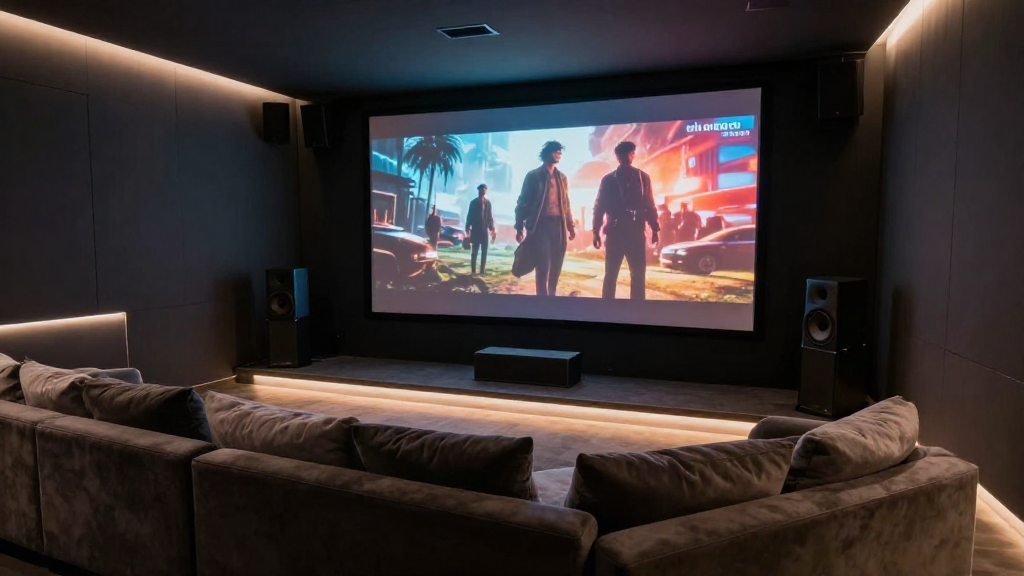
In this article, we will delve into the intricacies of home theater audio video sync explained, providing you with essential insights into achieving the perfect viewing experience.
What is Audio Video Sync?
Audio video sync refers to the alignment of sound and picture in a media playback environment. When a movie or show is viewed, it is crucial that the audio matches the visual experience. This synchronization ensures that dialogues, sound effects, and music blend seamlessly with the actions on screen.
Why is Audio Video Sync Important?
Proper audio video sync is vital for an immersive viewing experience. Here are a few reasons why:
- Enhanced Enjoyment: When audio and video are in sync, it creates a more enjoyable experience.
- Better Understanding: Misalignment can lead to confusion, making it harder to follow dialogues and sounds.
- Professional Quality: Proper sync is a hallmark of high-quality productions, enhancing the overall impression of the media.
What Causes Audio Video Sync Issues?
Several factors can lead to audio video sync issues in a home theater setup. Understanding these causes is the first step towards resolution.
1. Hardware Limitations
Older or lower-quality equipment might struggle with processing audio and video signals simultaneously. This can lead to noticeable delays, affecting how viewers perceive the content.
2. Cable Quality
The quality of cables used to connect devices can also impact sync. Poor quality or damaged cables can introduce delays in the signal transmission, resulting in sync problems.
3. Software Settings
Incorrect settings in your playback device or software can lead to audio video sync issues. Ensuring that the settings are tailored to your specific hardware can mitigate these problems.
How Can You Fix Audio Video Sync Problems?
Fixing audio video sync issues is often a straightforward process. Here are some methods to consider:
1. Adjust Audio Delay Settings
Many home theater systems come with an audio delay adjustment feature. By accessing this setting, you can manually sync the audio with the video by introducing a slight delay or advance in the audio playback.
2. Upgrade Your Equipment
If your hardware is outdated, consider investing in newer models that handle audio and video signals more efficiently. Modern systems are designed to minimize sync issues, enhancing your overall experience.
3. Use High-Quality Cables
Switching to high-quality HDMI or optical cables can also improve signal transmission. Ensure that your cables are in good condition and rated for the type of content you are viewing.
What Are the Symptoms of Audio Video Sync Problems?
Identifying audio video sync problems is crucial for troubleshooting. Here are some common symptoms:
1. Lip Sync Issues
This is perhaps the most noticeable problem, where the sound of a character’s voice does not match the movement of their lips. This can be distracting and detracts from the viewing experience.
2. Delayed Sound Effects
Sound effects that occur significantly after the action on-screen can break immersion. For instance, hearing a gunshot after the bullet has already been fired can confuse viewers.
3. Inconsistent Audio Levels
Audio levels that fluctuate during playback can indicate sync issues. If certain sounds appear to lag or rush compared to the visual cues, it may be time to troubleshoot.
Can Streaming Services Impact Audio Video Sync?
Indeed, streaming services can affect audio video sync due to various factors. Understanding these can help you optimize your viewing experience.
1. Internet Connection Quality
A slow or unstable internet connection can introduce buffering, leading to sync issues. Ensuring a stable and fast connection is essential for smooth playback.
2. Device Compatibility
Not all devices handle audio and video processing equally. Some streaming devices may introduce a delay, impacting the overall sync.
3. Streaming Quality Settings
Adjusting the quality settings within the streaming service can also help. Higher quality settings may require more bandwidth, potentially leading to sync issues if the connection cannot keep up.
How Can You Test Audio Video Sync?
Testing the audio video sync in your home theater is essential for ensuring an optimal viewing experience. Here’s how to do it:
1. Use Sync Test Videos
There are numerous test videos available online designed specifically to check sync issues. These videos typically feature contrasting visual and audio cues, making it easy to spot discrepancies.
2. Monitor Your Setup
During regular viewing, pay attention to specific scenes known for their audio cues, such as action sequences or dialogues. This can help you identify any sync problems that may not be apparent in quieter scenes.
3. Engage in Trial and Error
Adjust the audio settings incrementally while testing various media. Note changes in sync and find the optimal settings for your particular setup.
Conclusion: Perfecting Your Home Theater Experience
Understanding home theater audio video sync explained is essential for any home cinema enthusiast. By recognizing the causes and solutions for sync issues, you can vastly improve your viewing experience. Remember to monitor your equipment periodically and make necessary adjustments, ensuring your home theater remains a source of enjoyment.