
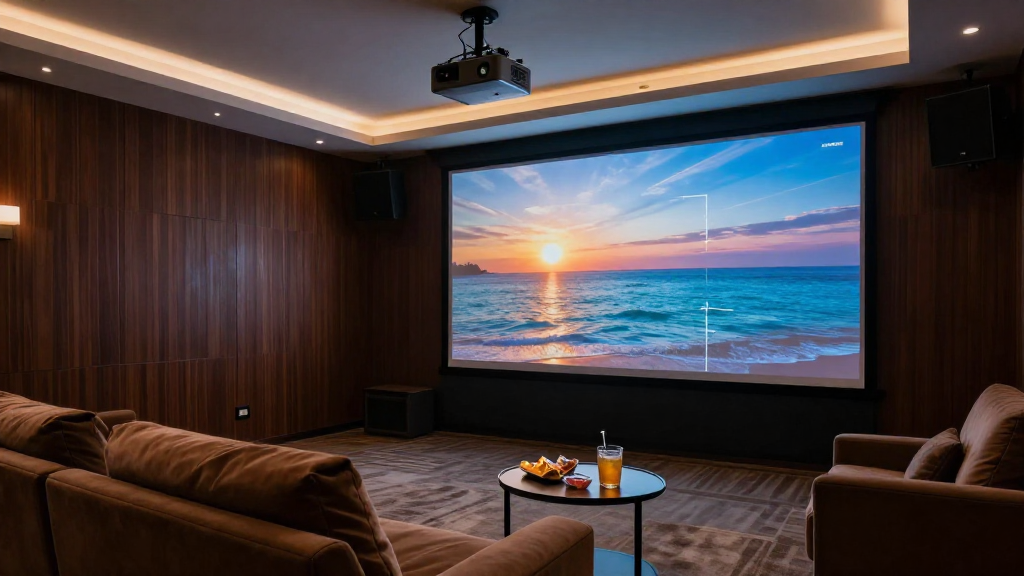
In this article, we will explore the concept of home theater keystone correction and its significance in creating a more enjoyable viewing experience.
What is Keystone Correction?
Keystone correction is a feature found in many projectors that allows for the adjustment of the projected image to ensure it appears rectangular, even when the projector is not perfectly aligned with the screen. This is particularly important in home theater setups where space constraints may prevent optimal projector placement.
How Does It Work?
The mechanism behind keystone correction involves digitally altering the image. When a projector is angled upwards or downwards, the image can appear distorted, resembling a trapezoid rather than a rectangle. Keystone correction compensates for this distortion by adjusting the image shape, allowing for a more accurate representation of the content.
Types of Keystone Correction
- Vertical Keystone Correction: This adjusts the image vertically when the projector is placed above or below the screen.
- Horizontal Keystone Correction: This corrects the image when the projector is positioned to the left or right of the screen.
- Corner Keystone Correction: This allows for adjustments at each corner of the projected image, providing a higher level of precision.
Understanding the types of keystone correction can help users choose the right projector for their home theater needs.
Why is Keystone Correction Important?
Keystone correction is crucial in home theater setups for several reasons. It ensures that the projected image is not only visually appealing but also properly aligned with the screen. A distorted image can detract from the viewing experience, making keystone correction an essential feature.
Improved Image Quality
By correcting distortions, keystone correction enhances image quality. Viewers can enjoy sharper images without the distraction of misalignment. This improvement is particularly noticeable in detailed scenes, where clarity is paramount.
Flexible Installation Options
Keystone correction allows for greater flexibility in projector placement. Home theaters often have constraints regarding space and design, making it impractical to position the projector directly in front of the screen. Keystone correction accommodates these challenges, allowing for creative installation solutions.
Enhanced Viewing Comfort
A correctly aligned image contributes to a more comfortable viewing experience. When viewers don’t have to strain their eyes to make sense of a distorted image, they can enjoy movies and shows for longer periods without discomfort. This is especially important for avid movie watchers.
How to Use Keystone Correction?
Utilizing keystone correction is generally straightforward, but it can vary depending on the projector model. Familiarizing yourself with your specific device can lead to optimal results.
Adjusting the Settings
Most projectors come equipped with a menu system that allows users to adjust keystone settings. Access the menu, navigate to the keystone correction option, and make the necessary adjustments until the image appears correctly aligned.
Testing the Image
After adjustments are made, it’s crucial to test the image. Play a video or display a static image to see how well the keystone correction has worked. Look for any remaining distortions and make further adjustments if necessary.
Tips for Optimal Results
- Always try to position your projector as straight as possible to the screen to minimize the need for correction.
- Use a high-quality projector with advanced keystone correction features for better results.
- Regularly check the alignment, especially if you move the projector frequently.
By following these tips, you can maximize the effectiveness of keystone correction in your home theater setup.
Are There Any Limitations?
While keystone correction is beneficial, it is not without its limitations. Understanding these can help users set realistic expectations for their home theater experience.
Image Quality Degradation
One of the main limitations of keystone correction is the potential for image quality degradation. Digital adjustments can sometimes lead to loss of detail or clarity, particularly if the correction is extensive. It’s best to use keystone correction sparingly to maintain optimal image quality.
Not a Substitute for Proper Alignment
Keystone correction should not be viewed as a substitute for proper projector alignment. It is always advisable to position the projector as correctly as possible to avoid excessive adjustments. Relying too heavily on keystone correction can lead to subpar viewing experiences.
Compatibility with Different Projectors
Not all projectors offer the same level of keystone correction capabilities. Some may have limited options or may not support corner adjustments. When purchasing a projector for home theater use, check the specifications to ensure it meets your needs.
Conclusion
In summary, home theater keystone correction is an essential feature that enhances the viewing experience by correcting image distortions. Understanding its importance, how to use it, and its limitations can significantly improve your home theater setup. By leveraging this technology, you can create a more enjoyable and immersive environment for watching movies and shows.