
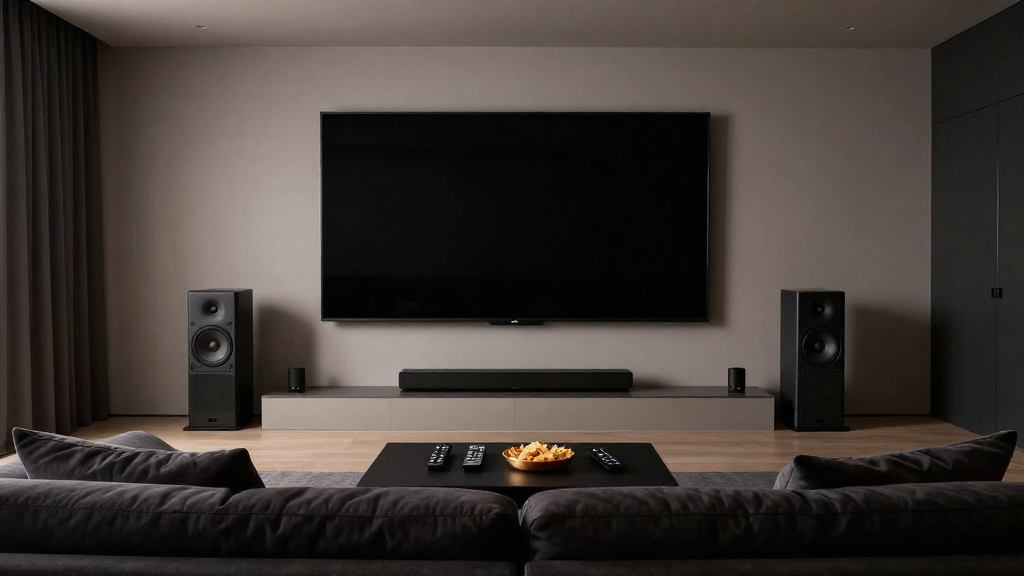
In this article, we will explore how digital audio works in home theater systems, providing you with a comprehensive understanding of home theater digital audio explained.
What is Digital Audio?
Digital audio refers to the representation of sound in a digital format. Unlike analog audio, which records sound waves in a continuous flow, digital audio converts sound into binary code, enabling it to be processed and transmitted by electronic devices.
Why Choose Digital Audio?
Digital audio offers several advantages over its analog counterpart, including:
- Higher Quality: Digital audio can reproduce sound more accurately, providing a clearer and more dynamic listening experience.
- Ease of Manipulation: Digital formats allow for easy editing, mixing, and enhancement of audio tracks.
- Storage Efficiency: Digital files can be compressed, saving space without significantly sacrificing quality.
How is Digital Audio Created?
The creation of digital audio involves several steps:
- Sampling: The analog sound wave is sampled at regular intervals to capture its amplitude.
- Quantization: The sampled values are converted into discrete numeric values.
- Encoding: The numeric values are then encoded into a binary format for storage or transmission.
How Does Digital Audio Work in Home Theater Systems?
Home theater digital audio explained involves understanding the components and processes that make digital sound possible in your living room. Digital audio systems convert audio signals from various sources into formats that can be amplified and played through speakers.
Key Components of a Home Theater System
Several key components play a critical role in a home theater digital audio setup, including:
- Receiver: Acts as the central hub, processing audio signals from various sources.
- Speakers: Convert the digital audio signals into sound waves for you to hear.
- Source Devices: Include Blu-ray players, streaming devices, and gaming consoles that provide audio data.
The Role of Digital Formats
Digital audio comes in various formats, each with unique characteristics. Common formats include:
- PCM (Pulse Code Modulation): The standard format for digital audio, offering high quality.
- DTS (Digital Theater Systems): A surround sound format that delivers immersive audio experiences.
- Dolby Digital: A widely used compression format that allows for multiple audio channels.
Signal Processing Techniques
Signal processing techniques enhance the quality of digital audio. Some common techniques include:
- Equalization: Adjusts the balance of different frequency components.
- Compression: Reduces the dynamic range of audio to make quiet sounds louder.
- Surround Sound Processing: Distributes audio among multiple speakers for a more immersive experience.
How Do You Set Up Digital Audio in Your Home Theater?
Setting up home theater digital audio requires careful planning and execution. Proper setup ensures that you achieve the best sound quality possible.
Choosing the Right Equipment
Selecting the appropriate equipment is crucial for an optimal digital audio experience. Consider the following:
- Receiver Compatibility: Ensure your receiver supports the audio formats you plan to use.
- Speaker Quality: Invest in high-quality speakers to accurately reproduce sound.
- Source Devices: Choose devices that output high-resolution audio signals.
Wiring and Connections
Proper wiring and connections are essential for transmitting digital audio signals without loss of quality. Follow these tips:
- Use High-Quality Cables: Invest in quality HDMI or optical cables for the best audio transfer.
- Check Connections: Ensure all connections are secure to prevent signal loss.
- Avoid Interference: Keep audio cables away from power lines and other potential sources of interference.
Calibration and Testing
After setting up, it’s crucial to calibrate your system for optimal performance. Here’s how:
- Speaker Placement: Position speakers according to the room layout for balanced sound distribution.
- Use Calibration Tools: Utilize built-in receiver calibration tools or third-party software to fine-tune audio settings.
- Test Different Sources: Play various audio formats to see how they perform in your setup.
What Are the Common Issues with Digital Audio?
Understanding potential issues can help you troubleshoot problems in your home theater system effectively. Digital audio can sometimes present challenges that may disrupt your experience.
Audio Sync Issues
One of the most common problems in digital audio is audio sync issues. This occurs when:
- Latency: There is a delay between the audio and video signals.
- Incorrect Settings: Improper configuration of your receiver or source device can lead to sync problems.
- Network Issues: For streaming audio, a slow internet connection can cause delays.
Loss of Quality
Sometimes, you may notice a loss of audio quality in your home theater system. Common causes include:
- Low-Quality Files: Using poorly compressed audio files can degrade sound quality.
- Improper Speaker Setup: Incorrect positioning can lead to poor sound reproduction.
- Interference: Other electronic devices may interfere with audio signals.
Compatibility Issues
Compatibility issues can arise when different devices do not work well together. To mitigate this:
- Check Formats: Ensure all devices support the same audio formats.
- Update Firmware: Regularly update your devices to the latest software versions.
- Consult Manuals: Refer to user manuals for specific compatibility requirements.
Conclusion: Embracing Home Theater Digital Audio
Home theater digital audio explained emphasizes the importance of understanding how digital audio works and how to set it up effectively. By following the guidelines in this article, you can create an immersive audio experience that enhances your home theater enjoyment.