
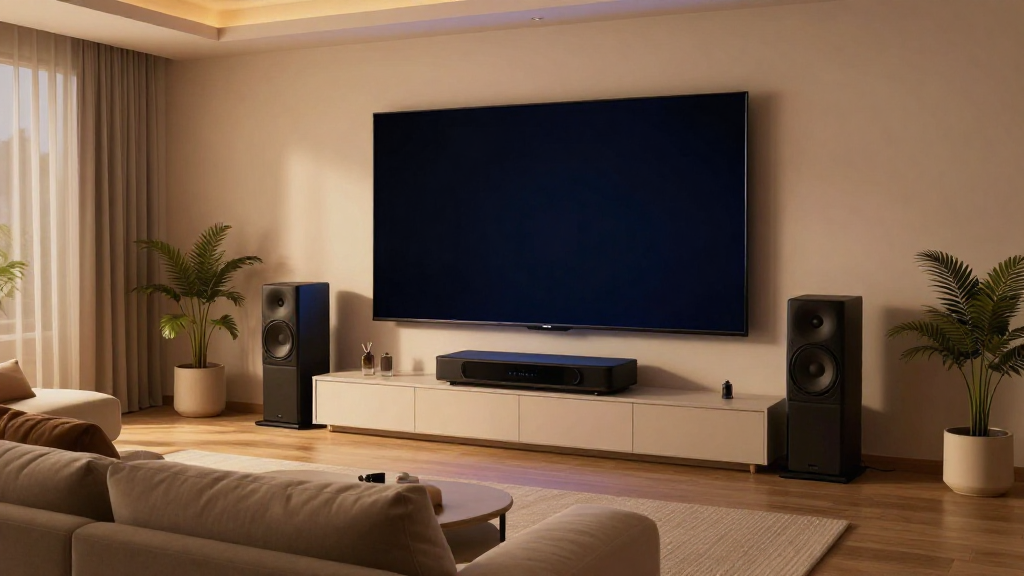
This article provides essential tips and techniques for home theater system troubleshooting.
What Are Common Home Theater Issues?
Home theater systems can experience various problems that hinder performance. Understanding these common issues is crucial for effective troubleshooting.
1. No Sound
One of the most frustrating problems is when there is no sound from your home theater system. Here are some potential causes:
- Check if the receiver is powered on.
- Ensure all cables are correctly connected.
- Verify that the correct input source is selected.
If the problem persists, consider checking the speakers or the audio settings of your devices.
2. Poor Video Quality
Poor video quality can be a significant issue affecting your viewing experience. To troubleshoot this, you can:
- Inspect the HDMI connections for damage.
- Adjust the resolution settings on your devices.
- Ensure your projector or TV is set to the correct display mode.
These steps can often resolve video quality issues.
3. Remote Control Not Working
If your remote control is unresponsive, it can be incredibly inconvenient. Here’s what you can do:
- Replace the batteries in the remote.
- Check for any obstructions between the remote and the receiver.
- Reset the remote control if necessary.
These simple fixes can help you regain control over your home theater system.
How Can You Diagnose Audio Problems?
Audio issues are some of the most common challenges in home theater system troubleshooting. Proper diagnosis can lead to quick resolutions.
1. Check Speaker Connections
Start by examining all speaker connections for tightness and security. Loose wires can easily lead to:
- No sound from specific speakers.
- Weird buzzing noises.
- Inconsistent audio levels across speakers.
Correcting these connections can restore audio integrity.
2. Test with Different Sources
To identify the source of the audio problem, test your home theater system with different devices. You can:
- Connect a smartphone or tablet to see if audio plays.
- Use a different HDMI cable to rule out cable issues.
- Switch between streaming services or physical media.
Testing various sources can help isolate the problem.
3. Adjust Audio Settings
Sometimes, the audio settings may need adjustment. Consider the following steps:
- Access the audio settings on your receiver or TV.
- Switch between stereo and surround sound modes.
- Adjust the equalizer settings for optimal performance.
These adjustments can significantly enhance your listening experience.
Why Is Video Quality Important?
Video quality is crucial for an immersive home theater experience. Poor video can detract from the enjoyment of films and shows.
1. Understand Resolution Settings
Resolution settings can greatly affect the video quality. Here’s what to keep in mind:
- Common resolutions include 1080p, 4K, and 8K.
- Ensure your display supports the resolution you are using.
- Check the settings of your source device for compatibility.
Using the correct resolution can improve clarity and detail.
2. Check Cable Quality
Using high-quality cables is essential for optimal video transmission. Consider the following:
- HDMI cables should be rated for the resolutions you plan to use.
- Inspect cables for any visible damage or wear.
- Consider using HDMI extenders for long distances.
Quality cables can make a significant difference in video performance.
3. Inspect the Display Device
Your display device plays a vital role in video quality. Make sure to:
- Clean the screen to remove any dust or smudges.
- Check for software updates on your TV or projector.
- Adjust the brightness and contrast settings as needed.
Regular maintenance can help maintain the quality of your display.
How Do You Resolve Connectivity Issues?
Connectivity problems can disrupt your home theater experience, making troubleshooting essential to ensure seamless operation.
1. Restart All Devices
Sometimes, a simple restart can resolve connectivity issues. Here’s how to proceed:
- Power off all devices in your home theater system.
- Unplug the devices from the power source for a few minutes.
- Reconnect and power them on again.
This can often help reset connections and clear glitches.
2. Check Network Settings
For streaming devices, network settings are crucial. To troubleshoot, you should:
- Ensure your Wi-Fi network is functioning properly.
- Reconnect the streaming device to the Wi-Fi network.
- Check for any firmware updates that might improve connectivity.
Staying on top of network settings can prevent future issues.
3. Use Ethernet Cables
For a more stable connection, consider using Ethernet cables instead of Wi-Fi. Here are the benefits:
- Wired connections are less susceptible to interference.
- They can provide faster speeds, especially for streaming.
- Implementing Ethernet can improve overall system performance.
Switching to wired connections can enhance your home theater experience.
When Should You Seek Professional Help?
In some cases, troubleshooting may not resolve the issues. Knowing when to seek professional help is essential for maintaining your home theater system.
1. Persistent Problems
If you face ongoing issues despite troubleshooting, it’s advisable to consult a professional. This may include:
- Audio distortion that doesn’t improve with adjustments.
- Consistent connectivity problems that disrupt usage.
- Hardware failures that prevent proper functioning.
Professionals can provide in-depth diagnostics and solutions.
2. Complex Setup
If your home theater system involves complex components, it may benefit from expert installation. Consider professional help when:
- Integrating multiple devices from different brands.
- Setting up advanced surround sound configurations.
- Needing assistance with home automation features.
Professional installation can ensure optimal performance and compatibility.
3. Warranty Repairs
If your system is still under warranty and shows defects, reaching out to the manufacturer is crucial. You should:
- Contact customer support for guidance.
- Utilize warranty services for repairs or replacements.
- Keep all receipts and documentation for warranty claims.
Taking advantage of warranty services can save you money and time.