
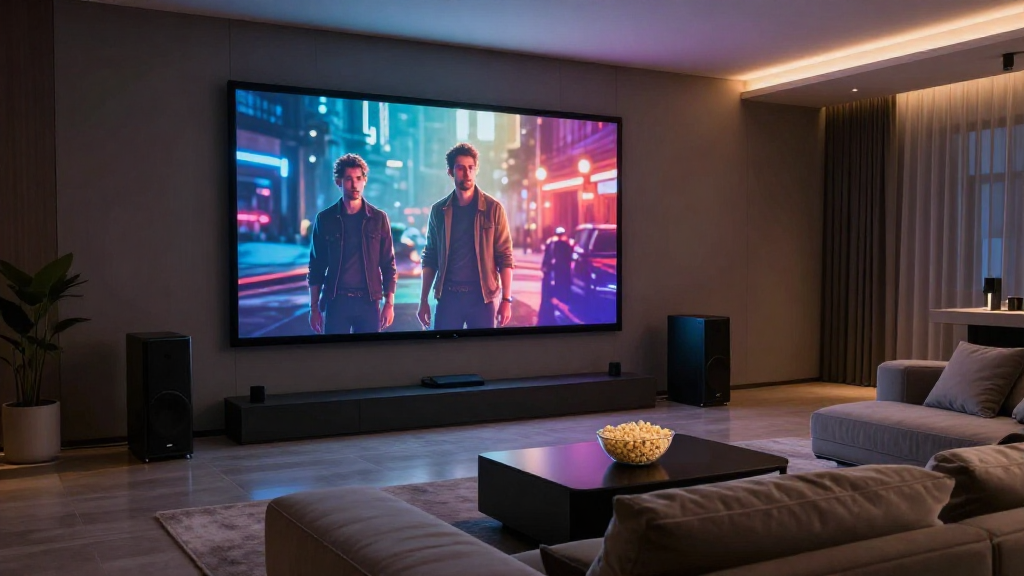
In this article, we will guide you on how to set up a PC for a home theater, ensuring an optimal experience for movies, music, and gaming.
What Components Do You Need for a Home Theater PC Setup?
Creating an efficient home theater PC setup starts with the right components. Understanding these essential elements will help you build a system that meets your entertainment needs.
1. PC Hardware
The **core of your home theater PC setup** is the hardware. You will need a powerful CPU and GPU to handle high-definition video and gaming. Consider opting for a multi-core processor and a dedicated graphics card for the best performance.
2. Storage Solutions
Storage is crucial for any home theater PC setup. You can choose between standard hard drives (HDD) or faster solid-state drives (SSD). SSDs are recommended for quicker load times, while HDDs can provide larger storage capacities at a lower cost.
3. RAM Requirements
Having sufficient RAM is vital for smooth operation. For a typical home theater PC setup, aim for at least 8GB of RAM. If you plan on multitasking or running demanding applications, consider upgrading to 16GB or more.
How Do You Connect Your Home Theater PC to Your TV?
Connecting your home theater PC to your TV is a straightforward process that can significantly enhance your viewing experience. Proper connections ensure high-quality audio and video output.
1. HDMI Connections
The most common method to connect your PC to a TV is through **HDMI cables**. This single cable transmits both audio and video, simplifying the setup. Ensure your PC and TV both have HDMI ports available for seamless connectivity.
2. Alternative Connection Methods
If HDMI is not an option, consider using **DisplayPort, VGA, or DVI**. Each of these connections has its pros and cons, but HDMI remains the best for modern setups due to its versatility and quality.
3. Wireless Options
For a clutter-free setup, you can also opt for **wireless connections**. Technologies like Miracast or Chromecast allow you to stream content from your PC to your TV without any cables. However, ensure your Wi-Fi connection is strong to avoid lag or interruptions.
What Operating System Should You Use for Your Home Theater PC Setup?
The choice of operating system plays a critical role in the performance of your home theater PC setup. Different OS options offer various features that can enhance your media consumption experience.
1. Windows
Windows is a popular choice due to its compatibility with a vast array of software. It supports various media players and streaming services, making it an ideal option for a home theater PC setup.
2. Linux
If you’re looking for a cost-effective option, **Linux** can be a great alternative. It provides flexibility and customization, but might require some technical knowledge to set up and optimize for media use.
3. macOS
For users already invested in the Apple ecosystem, macOS offers seamless integration with other Apple devices. However, it may have limitations in terms of gaming and software availability compared to Windows.
How Do You Optimize Your Home Theater PC Setup for Performance?
Once your home theater PC is set up, optimizing it for performance is essential for an enjoyable experience. Here are some tips to ensure smooth operation.
1. Update Drivers
Keeping your hardware drivers updated can enhance performance and resolve compatibility issues. Regularly check for updates for your graphics card, audio devices, and other peripherals in your home theater PC setup.
2. Configure Display Settings
Adjusting your display settings can significantly impact video quality. Make sure to set the resolution and refresh rate to match your TV’s capabilities for the best viewing experience.
3. Optimize Power Settings
To maximize performance, adjust your power settings. Setting your PC to high performance can reduce lag and improve responsiveness during media playback or gaming sessions.
What Software Should You Install for Your Home Theater PC Setup?
Choosing the right software is crucial for a functional home theater PC setup. The following applications can enhance your multimedia experience.
1. Media Center Software
Installing a media center application like **Kodi or Plex** can help you organize and stream your media library effectively. These platforms support various formats and allow for easy access to your favorite shows and movies.
2. Media Players
While Windows comes with built-in media players, consider alternatives like **VLC or MPC-HC**. These players support a wider range of formats and provide better customization options for playback.
3. Streaming Services
To enjoy the latest movies and shows, don’t forget to install popular streaming apps like **Netflix, Hulu, or Amazon Prime Video**. These services often offer exclusive content and can be accessed directly from your home theater PC setup.
How Do You Maintain Your Home Theater PC Setup?
1. Clean Hardware
Dust accumulation can cause overheating and hardware failure. Make it a habit to regularly clean your PC’s internals and peripherals to ensure optimal airflow and cooling.
2. Backup Data
Regular backups are essential to prevent data loss. Use external drives or cloud storage solutions to keep copies of your important media files and settings safe.
3. Monitor Performance
Keep an eye on your system’s performance using monitoring software. This can help you identify potential issues before they become serious problems, ensuring a seamless home theater experience.