
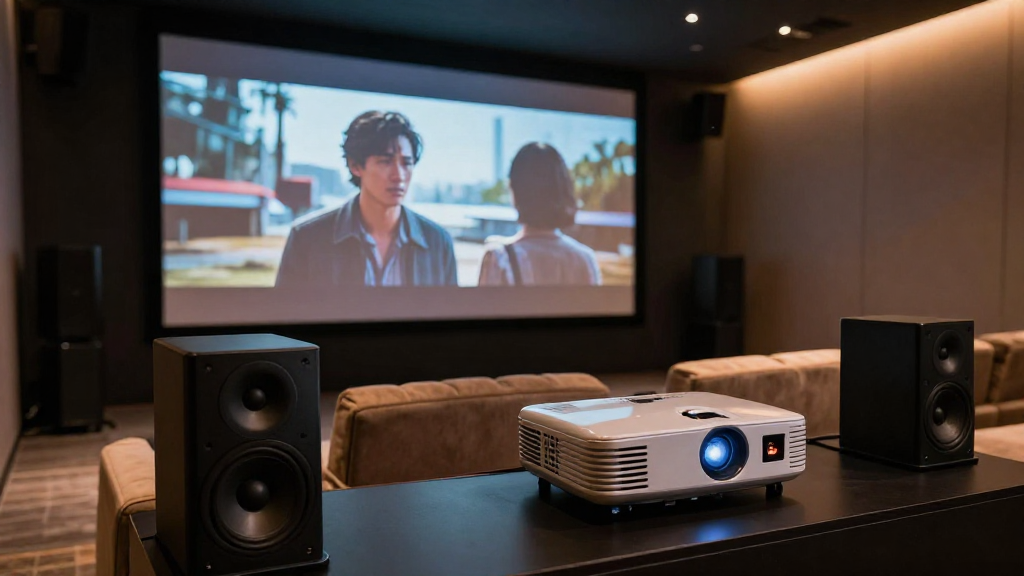
In this article, we will delve into home theater latency explained, covering its implications, causes, and solutions for a seamless viewing experience.
What Is Home Theater Latency?
Home theater latency refers to the delay between the audio and video signals in a home theater system. This latency can lead to a disjointed experience, affecting the enjoyment of movies and games. Understanding how latency works is essential for achieving the best performance from your setup.
Understanding Latency in Simple Terms
Latency is simply the time it takes for a signal to travel from one point to another. In home theaters, this means the time it takes for audio and video to sync up. Ideally, you want both to arrive at your ears and eyes simultaneously for the best experience.
Common Sources of Latency
- Audio Processing: Many home theater systems process audio signals, which can introduce delays.
- Video Processing: Similar to audio, video signals undergo processing that can add latency.
- Wireless Connections: Using Bluetooth or Wi-Fi for audio can lead to increased latency compared to wired connections.
Measuring Latency
Latency can be measured in milliseconds (ms), with lower numbers indicating better performance. A latency of less than 20 ms is generally acceptable, while anything above 40 ms can be noticeable and disruptive. Tools like latency testers or apps can help you determine your system’s latency.
What Causes Latency in Home Theater Systems?
Understanding the causes of latency can help you troubleshoot and minimize delays in your home theater setup. Various factors contribute to latency, and recognizing them is the first step towards improvement.
Hardware Limitations
Older equipment may not be able to process audio and video signals as quickly as newer devices. Upgrading your components can significantly reduce latency. Look for devices that support modern standards like HDMI 2.1, which can help mitigate latency issues.
Audio and Video Formats
The formats you choose can also impact latency. For example, high-definition audio formats may require more processing time. Ensuring that both your audio and video are in compatible formats can enhance synchronization and reduce delays.
Network and Connection Types
Wired connections typically have lower latency than wireless connections. If you are using Bluetooth or Wi-Fi, consider switching to a wired setup for critical audio components, as this can dramatically reduce latency. Additionally, check your network’s bandwidth to ensure optimal performance.
How Does Latency Affect Home Theater Performance?
Latency can greatly affect your overall experience when watching movies or playing video games. Understanding its effects can help you prioritize improvements in your home theater system.
Impact on Movie Watching
When watching movies, latency can result in audio not matching the lip movements of characters on screen. This can create a distracting experience, pulling you out of the narrative. Minimizing latency ensures a seamless viewing experience where audio and video are perfectly synchronized.
Effect on Gaming
In gaming, latency can compromise your performance, especially in fast-paced scenarios. A delayed audio cue can lead to missed opportunities or poor reactions. Lower latency is critical for competitive gameplay, where every millisecond counts.
Overall Enjoyment of Content
High latency can diminish your enjoyment of various media types. Whether it’s movies, TV shows, or games, the experience can feel less immersive. By addressing latency issues, you can enhance your overall enjoyment and satisfaction with your home theater system.
What Are Some Solutions to Reduce Latency?
Fortunately, there are multiple strategies you can employ to minimize latency in your home theater system. Implementing these solutions can lead to a more enjoyable viewing experience.
Upgrade Your Equipment
Investing in newer, higher-quality equipment can help reduce latency. Look for devices that support advanced audio and video processing technologies. Additionally, ensure your cables are high quality and compatible with your system to avoid unnecessary delays.
Optimize Settings
Many home theater systems have settings that can be adjusted to reduce latency. For example, disabling certain audio processing features may lower lag. Consult your device manuals for specific settings related to audio and video syncing.
Use Wired Connections
Switching from wireless to wired connections can significantly reduce latency. Using HDMI or optical cables for audio can minimize delays. Moreover, ensure that your network setup is optimized for speed and reliability if you must use wireless connections.
How Can You Test Latency in Your Home Theater?
Testing latency in your home theater is crucial for identifying issues and making improvements. Knowing how to accurately assess latency can guide your troubleshooting efforts.
Using Latency Testers
Latency testers are specialized tools designed to measure audio and video delays in your system. These testers can provide precise readings on the time it takes for signals to travel. By using a latency tester, you can pinpoint specific issues within your setup.
DIY Testing Methods
If you don’t have a latency tester, you can perform simple DIY tests. One method involves comparing the time it takes to hear a sound and see a corresponding action. Record your findings to determine how much latency exists in your system.
Consulting Online Resources
Many online communities and forums offer guides and tips for measuring latency. Engaging with these resources can provide you with insights and methods that are specific to your equipment. Don’t hesitate to seek advice from fellow enthusiasts who may have faced similar issues.
Conclusion: Mastering Home Theater Latency
Understanding home theater latency explained is essential for creating an optimal viewing experience. By identifying the causes, impacts, and solutions to latency, you can enhance both your audio and visual enjoyment. Take the time to measure and address latency in your home theater system, and you will reap the rewards of a more immersive experience.